
SamFw FRP Tool v6.0.1 Full Setup Latest Version 2026
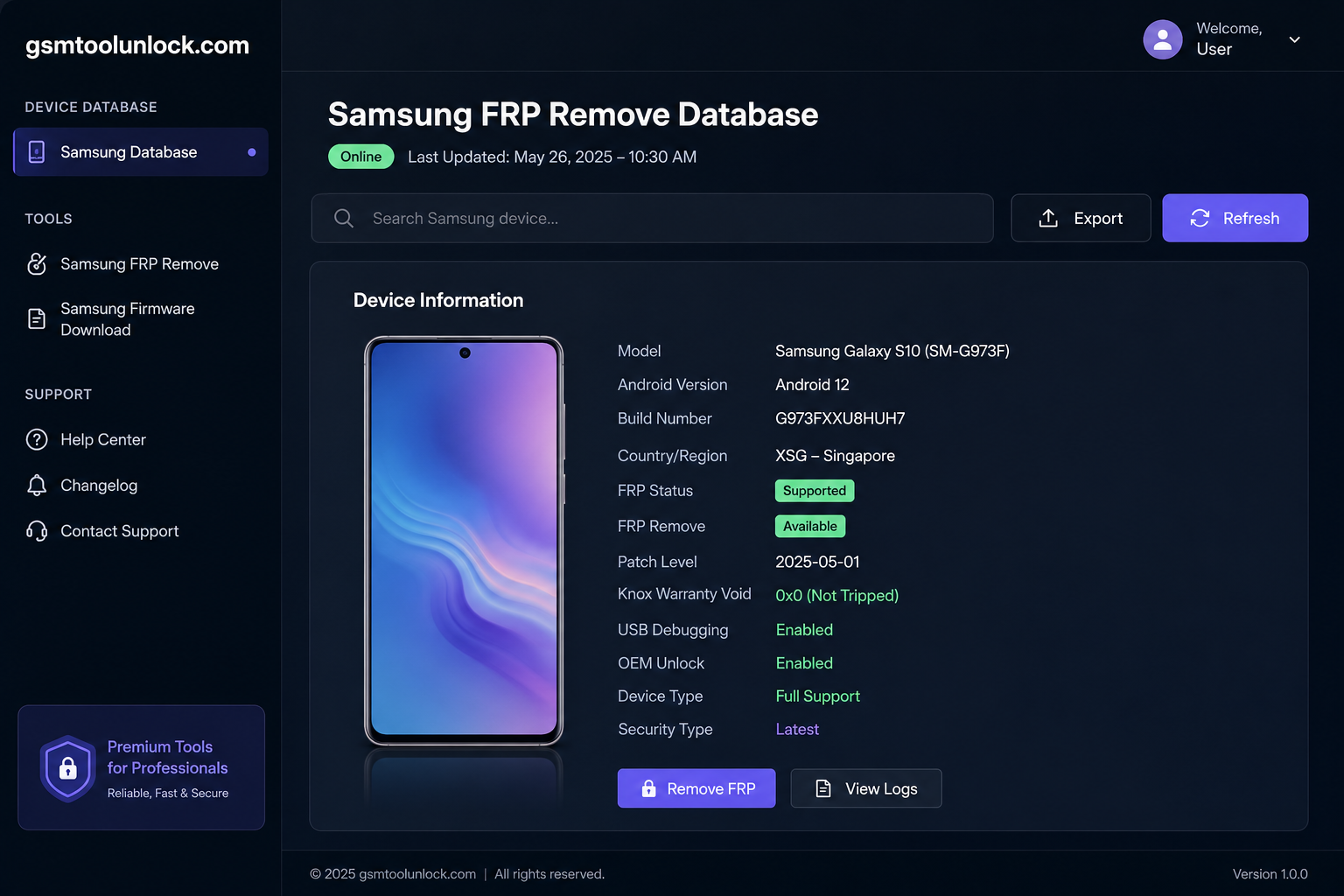
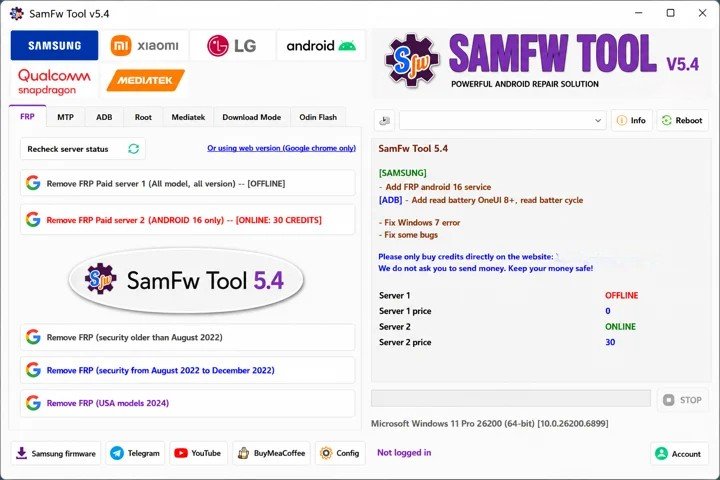
SamFw FRP Tool is made for Samsung devices. It provides the facility to service and manage supported Android devices. It is useful for removing FRP, factory reset, APK installation, specific bootloaders, and other operations.
What is the SamFw FRP Tool?
SamFw FRP Tool is especially designed to provide help to users to bypass FRP lock on supported devices. It is a Windows-based utility and can perform multiple functions, such as FRP removal. CSC changing, read device information, and provides dual support.
Features of SamFw FRP Tool
FRP Removal
SamFw FRP Tool provides help with removing Factory Reset Protection in a very easy way. The user is only required to do a single click once to perform the FRP function on the supported Samsung devices.
CSC Changing
This Unlock Tool is very helpful in changing the device function in Consumer Software Customization. It provides help to control carrier-specific and regional software.
Device Information & Factory Reset
The tool is useful for reading basic device information. It is helpful for certain operations, like a factory reset, to help technicians to tackle Samsung devices.
Dual Manager Support
Tool is used to install several applications. Applications like APK/xAPK can be installed with the help of Dual Manager on related devices.
Download Information
| File name | SamFW FRP Tool |
| Version | 6.0.1 |
| Platform | Windows PC |
| Executable | EXE |
Also check: MDM Fix Tool v1.1.0.2 Free Download Latest Version [2026]
How to Download?
- If you want to download SamFW FRP Tool, visit ‘GSM Tool Unlock’
- Secondly, find the download button and click on it.
- The download process will get started.
- Once the file is downloaded, check if it is in a ZIP file.
- If the file is in a ZIP archive, extract it from the ZIP.
- The tool is ready to use.
Pros & Cons
Pros
- It provides help with FRP functions with a single click.
- It is also helpful as it allows the installation process to be done with dual management.
- It provides multiple functions like CSC changing, device information reading, etc.
- It makes the installation process very easy.
- It provides support to perform various servicing functions in one tool.
Cons
- It requires portable devices like USB.
- It is difficult for beginners to handle.
- Some functions may cause data loss.
- A few operations may need authentication.
- The download process from an unauthenticated source may cause risk.
Conclusion:
SamFw FRP Tool effectively bypasses Google FRP Locks, flashes firmware on Android devices, and modifies CSC carrier information. The tool’s ADB-driven design automates processes and supports many tasks for both beginner and advanced users. However, despite its efficiency and zero cost, users must remember its limitations, such as more errors on recently security-updated devices, and it also raises data privacy concerns.
FAQ’s
What is the main function of SamFw FRP Tool 6.0.1?
It is Windows-based software that lets experts bypass Google FRP locks, update the carrier code (CSC), and flash firmware on devices with a few clicks.
Can the SamFw FRP Tool support Android 14 and later?
SamFw Tool works better on Android 13 or older devices, but Android 14 support is limited.
What are the compatibility requirements for SamFw FRP Tool?
The Software works effectively on Windows operating systems, including 7, 8, 8.1, 10, and 11.
What new features have been added to the SamFw FRP Tool?
Features like ‘12 firehose loaders’ have been added recently. While many bugs have been fixed, like the ‘Chunk too large’ error, other system bugs have also been removed to improve efficiency.
What are the main limitations of using the SamFw FRP Tool?
However, the bypass process can fail or freeze eventually on higher-end Samsung phones with the latest security patches. Moreover, using security bypass software can carry inherent data risks.
One Comment