
FRT Tool V1.7.5 Latest Version 100 % Working [2026]
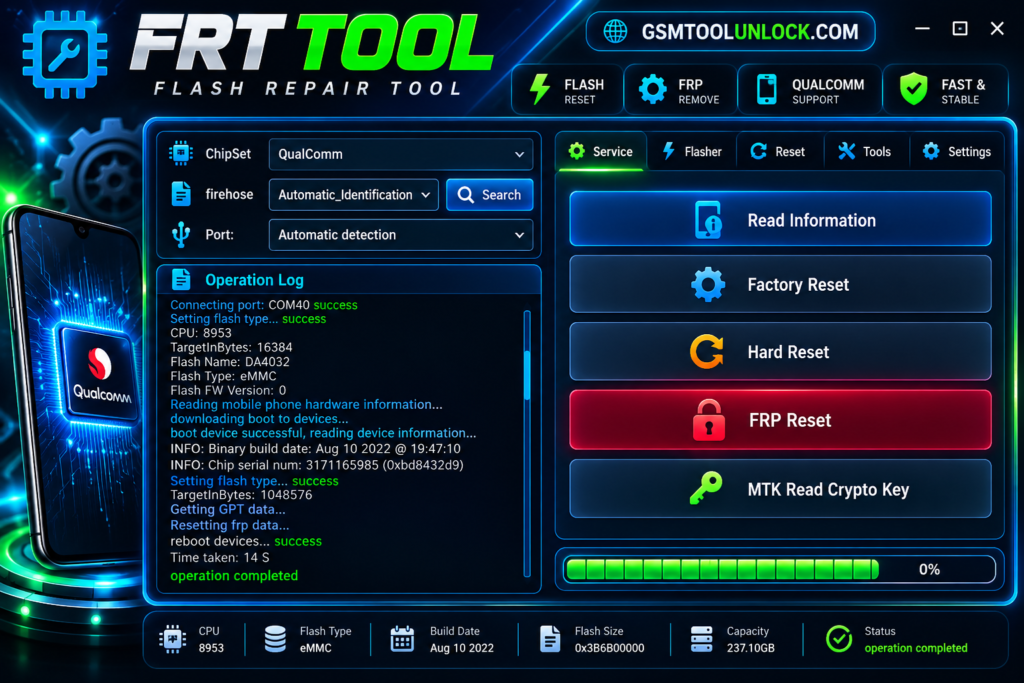
FRT Tool is especially designed to help users flash, repair, unlock FRP, and unlock screen locks. It provides help to perform all repairs and unlock functions with a single click. FRP Tool V1.7.5 is a professional tool that provides immediate solutions for multiple problems, such as boot issues, OS repair, and flashing firmware on Android devices.
What is FRT Tool?
FRT, or Flash Repair Tool, is made for Android devices. It provides assistance for MKT, Qualcomm, Spreadtrum, and Exynos-powered smartphones or tablets. It offers a wide range of features, including FRP reset, Factory Reset, Bootloader unlock, and firmware flashing.
Features of FRT Tool
FRP Bypass
Flash Repair Tool helps bypass Google lock authentication on multiple Android devices. It supports Samsung, Xiaomi, Redmi, and other models.
Multiple Modes
Flash Repair Tool grants its availability on various modes, such as MediaTek Preloader, Brom, EDL, ADB, and fast mode, for unlocking and repair.
Unlock Screen Lock
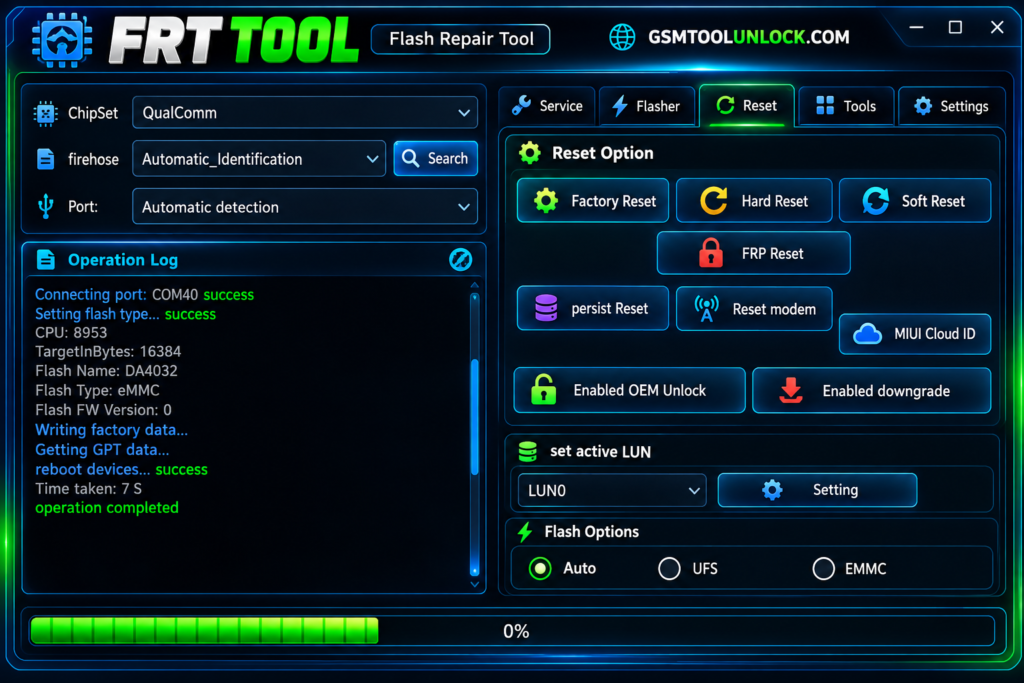
Factory Reset Tool helps you to execute a factory reset or format data to unlock screen lock, PIN, Password, pattern, and other security locks, etc.
User-Friendly User Interface
Factory Reset Tool has a simple, easy-to-use, user-friendly interface. It is useful and suitable for technicians as well as for beginners to carry out tasks easily.
Flashing & Firmware Repair
One of the most prominent features of Factory Reset Tool is the Flashing & Firmware Repair Tool. It provides support for flashing stock ROMs on MTK, Qualcomm, and SPD-powered Android smartphones and tablets and repairing bootloops and other issues.
Fast boot & ADB Function
Factory Reset Tool facilitates Fastboot & ADB mode operations for Reboot to EDL/Bootloader/System, unlock & relock bootloader, wipe data, MI side load unlocks and many more.
IMEI & Network Repair
Factory Reset Tool can provide help to adjust network related issues like incorrect IMEI or baseband errors.
Download Information
| File name | FRT Flash Repair Tool |
| Version | 1.7.5 |
| Compatible OS | Windows 7/8/10/11 (32-bit & 64-bit) |
| File Type | Zip/ EXE |
| Developer | FRT Team |
| Tool | Premium |
Also check: SamFw FRP Tool v6.0.1 Full Setup Latest Version 2026
How to download?
- If you want to download the MDM Fix Tool, you need to visit “GSM Tool Unlock”.
- Find the download option and click it.
- After clicking the download option, you are required to save the file to your PC.
- You are required to extract the file from the ZIP if you find that the file is compressed.
- In the last step, you need to open the file and use it.
Pros & Cons
Pros
- It is user-friendly and easy to use.
- It grants support to various brands.
- A few versions are available free of cost.
- It offers various functions with one click.
- Its demands portable devices like USB.
Cons
- It provides support to only a limited number of devices.
- It may cause a loss of necessary data.
- Sometimes connection issues may cause interruptions.
- Some functions may be risky to perform without knowledge.
- The software may cause errors sometimes.
Conclusion
The FRT Tool is a helpful utility for mobile experts, especially for repairing Qualcomm- and MediaTek-supported Android devices. If you are looking for free software for Android repair, FRT Tool is the best option. It’s very simple to use, with a low error rate, and designed for both beginners and experts.
FAQ’s
Is the FRT Tool safe and free to use?
Yes! It’s a safe tool, but it’s not free. It requires a 1-year paid subscription. However, MRT Dongle owners can use it for free.
Which chipsets support the FRT Tool?
Major brands like Samsung, Xiaomi, Vivo, Oppo, and Huawei use chipsets like MediaTek, Exynos, and Qualcomm Snapdragon. This tool works on all these chipsets and brands.
What are the main features of FRT Tool?
The tool can bypass the Google FRP lock, remove the screen password, PIN, or other locks, unlock the bootloader, flash firmware, and repair IMEI and other network issues.
What are the main system requirements for the FRT tool?
It requires Windows 7 or later with 4GB RAM and .NET Framework is installed, with USB drivers installed for the software to work smoothly.
One Comment