
The Ghost Tool v3.0.0.2 | Ultimate FRP, IMEI Repair Tool | For Android
If your device is locked and won’t unlock, that’s frustrating. The Ghost Tool offers a top solution for this problem, as it can repair Android smartphones and tablets. It features several functions, including FRP removal, KG removal, CSC changes, Factory Reset, Samsung QR code, network unlocking, KG erase, screen lock removal, and MTP port fixes. The tool also supports a wide range of smartphones, including Qualcomm, MediaTek, and SPD devices.
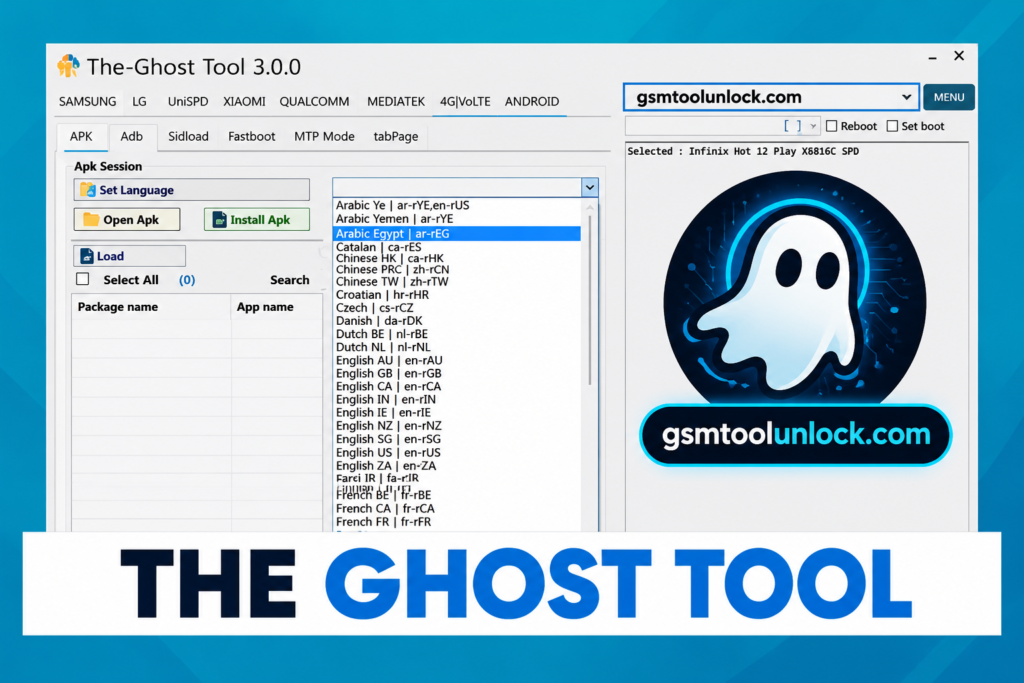
What is The Ghost Tool?
Ghost Tool is an all-in-one Windows utility that makes it easy to unlock and repair Samsung, LG, Xiaomi, and Vivo devices. It gives a wide range of features, including FRP removal, screen unlocks, IMEI repair or change, and other software-related fixes. The tool also supports multiple smartphone brands with Qualcomm, MediaTek, and SPD chipset devices. It has a simple, easy-to-use interface for beginners and professionals alike.
Features of The Ghost Tool
FRP Bypass Feature
If your device is bricked even after performing a reset, the Ghost Tool lets you remove Google account credentials and unlock the device.
Screen Lock Removal
If your device is completely locked and you don’t remember the password, PIN, or pattern. Using ADB drivers, the tool unlocks the device easily.
Flashing Support
It also works well for fixing boot and software-related issues. The tool also lets you install and flash firmware or custom firmware.
IMEI Repair
When your smartphone’s IMEI is corrupted or invalid, the Ghost tool lets you repair or update it. However, you must use the tool legally and responsibly.
Device Information Tool
The tool also provides all the necessary device information. It provides details like the model, Android version, IMEI, serial number, and hardware.
One-Click Operations
This tool includes a useful feature that lets you repair your device with a single click, so you don’t have to wait through a long procedure.
CSC and Network Management
Network issues when changing the SIM are very common. The tool allows network management for different brands, including 4G and 5G.
Download Information
| Information | Details |
| Software Name | The Ghost Tool |
| Latest Version | v3.0.0.2 |
| File Size | 33 MB |
| Platform | Windows |
| Password | 123 |
Also check: Amlogic USB Burning Tool V3.3.1 Driver Setup for Windows
How to download:
- Download the utility from a trusted website or GSM Tool Unlock.
- Download the latest version of this tool.
- Extract the downloaded file from WinRAR or 7-Zip.
- Open the extracted folder.
- Run the file “The Ghost Tool.exe” as Administrator.
- Click ” Yes ” if Defender gives a warning.
- The Ghost Tool is now ready to use.
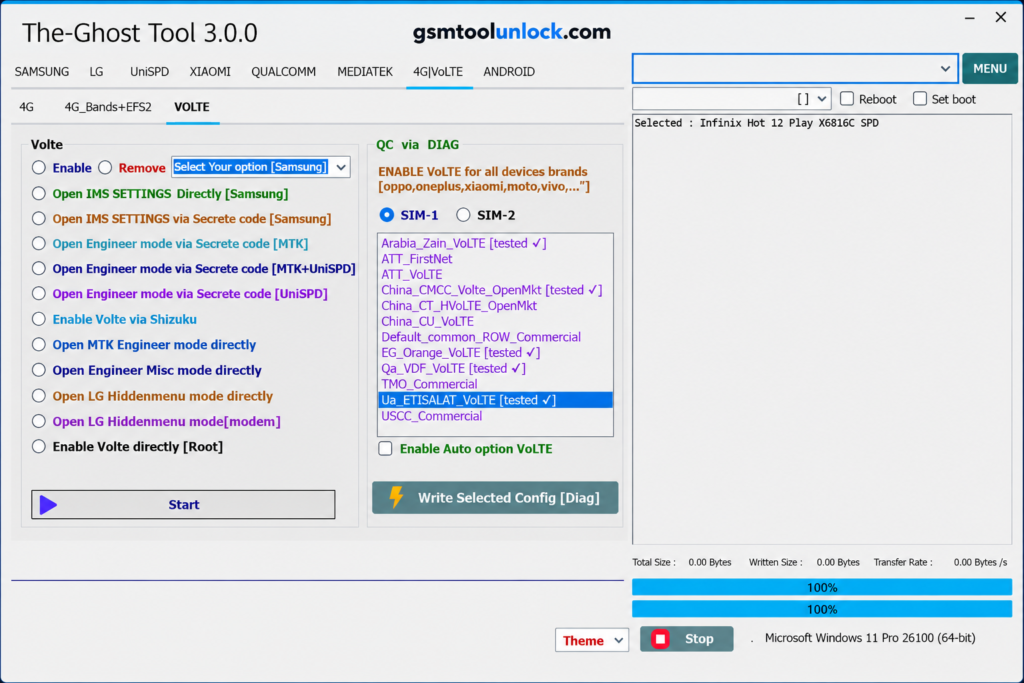
How to use:
- Run the Ghost Tool as administrator.
- Link the phone using a USB cable to your PC.
- Allow the utility to detect your device automatically.
- Select the functions you want to do, e.g., Flash Firmware.
- If needed, boot your device into the correct mode, such as ADB Mode, Fastboot Mode, Download Mode, or another supported connection mode.
- Click the Start or Execute button to begin.
- After the setup process completes, disconnect the device and restart it.
Pros and Cons
Pros
- It supports a wide variety of mobile devices, including Samsung, Xiaomi, LG, Vivo, and more.
- Simple and easy-to-use interface
- Available for free to download and use
- Receives regular updates for better compatibility and extra features
- Also allows professionals to complete mobile repairs faster and more effectively.
Cons
- Many features require additional USB Drivers.
- Improper use can cause data loss or other utility issues.
- It’s third-party software and lacks official developer support.
- Many of its functions can affect the device’s warranty.
Conclusion
This is a Windows-based utility designed to repair smartphones with Qualcomm, MediaTek, and SPD chipsets. The tools include features such as FRP removal, screen unlocks, IMEI repair, and fixes for boot loop-related issues. It is compatible with multiple brands, including Samsung, LG, Xiaomi, and Vivo. It features a simple, easy-to-use interface. The tool can solve the problem with a single click.
FAQ’s
Is it a free tool?
Yes, it’s a completely free tool for Windows.
Which Android Brands does it support?
It supports a wide variety of brands, including Samsung, Xiaomi, Vivo, OPPO, Realme, Huawei, Motorola, Nokia, Tecno, Infinix, Google Pixel, Lenovo, Asus, Sony, and more.
Does the tool support firmware flashing?
Yes, it supports firmware flashing on supported Android devices.
Can a beginner use the Ghost Tool?
Yes, the tool features a simple, easy-to-use interface. This makes it a beginner-friendly tool. It also offers multiple advanced features for professionals.

One Comment