
Download SSM Tool V1.0.0.3 | Features, Setup & Free Download
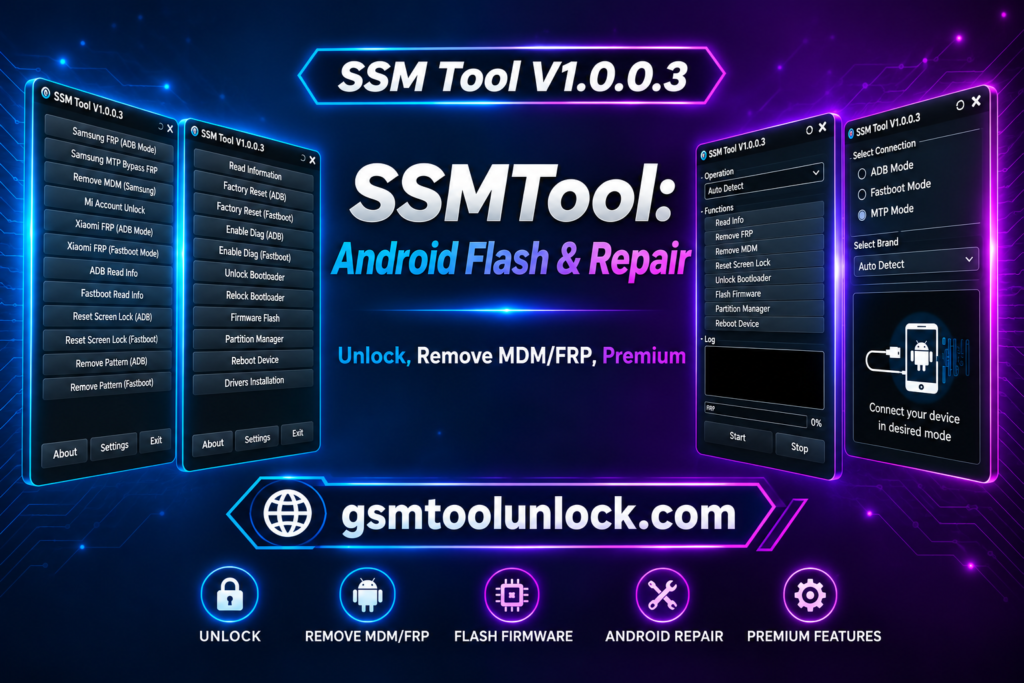
SSM Tool is designed to help technicians. It is used to conduct different tests and find hardware problems, which can take a lot of time if technicians perform it on Android devices. It provides help to user to monitor hardware devices, perform tasks on Android devices immediately and finding out similar issues, which are helpful to perform mobile repairing easy and efficient.
What is SSM Tool V1.0.0.3?
SSM Tool is a Windows-based software. It provides facilities to technicians of mobile phones to perform certain functions like repairing software, device maintenance and specific unlocking operations. It provides an opportunity for technicians to communicate with Android devices.
Features of SSM Tool V1.0.0.3
KG Status Check
In order to check Android device’s present Knox Guard status SSM Tool is helpful. It helps technicians verify whether a device is unrestricted or locked.
Firmware Flashing
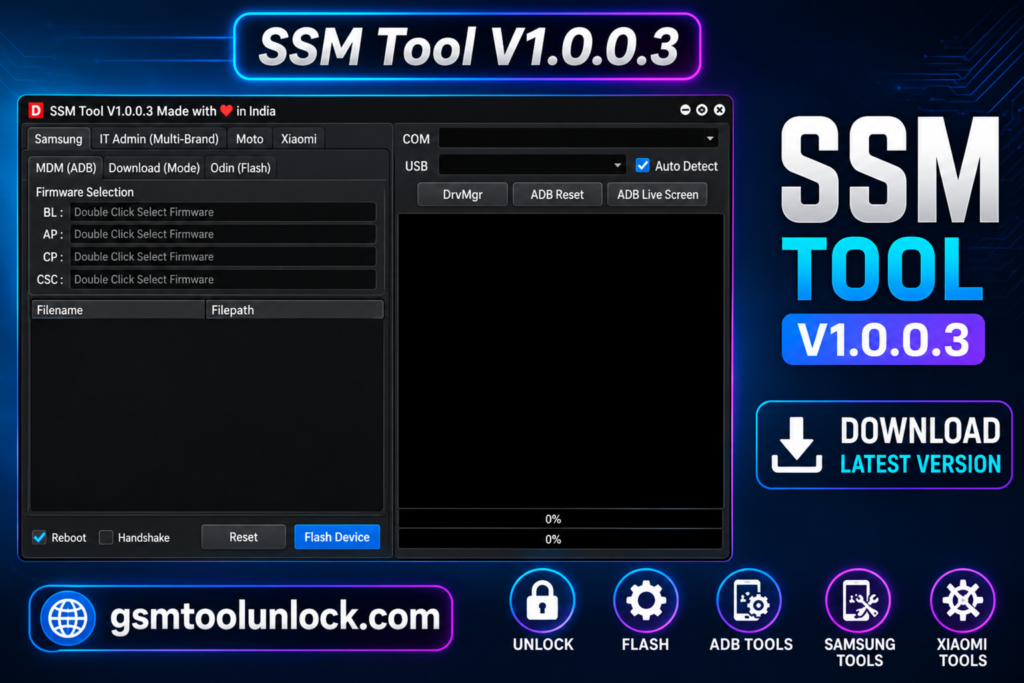
When a user or technician needs to deal with device restoration or software repair problems, flashing Android firmware will be used. By using Odin function it allows the function of firmware installation.
Factory Reset Disable
The tool provides help to disable the factory reset by the help of ADB operation. It is very helpful for security management.
Device Information
It provides important device information in detail like firmware version, security patch level, and model number, etc. It is effective for the identification of appropriate repair methods.
ADB Operations
It is helpful for the performance of service functions on Android devices with the help of ADB (Android Debug Bridge) mode. It ensures direct communication among devices.
Download Information
| Tool name | SSM Tool |
| Version | V1.0.0.3 |
| Operating system | Windows |
| Developer | SSM Tool website |
Also read: SamXTool V1.0.0 Latest Version
How to Download?
- You can download SSM Tool from GSM Tool Unlock.
- From the page, click on the download button.
- Wait until the download is complete.
- When download function gets complete locate a downloaded file on device.
- While using the ADB function, activate USB debugging.
Pros and Cons
Pros
- It provides an easy and user-friendly interface.
- It contains all the necessary information on the device.
- It allows performing multiple functions.
- It is helpful for technicians to perform maintenance-related functions.
- It is a time-saving tool.
Cons
- It is available to limited models and versions of Android.
- Some functions may cause data loss.
- Some functions may require proper registration.
- Connection problems may interrupt the device performance.
- Its reliability may vary among models and versions.
Conclusion
SSM Tool is a useful Android utility for mobile experts to perform repair and servicing tasks. The tool is compatible with several functions such as device diagnostics, firmware flashing, KG status check, MDM-related operations, and other device information. The tool is helpful in solving several major phone problems effectively.
FAQ’s
Which modes does this Tool V1.0.0.3 support?
It supports a wide range of communication methods like ADB, MTP, and firmware-related modes.
Does SSM Tool V1.0.0.3 support Samsung devices?
Yes, the tool provides multiple features, including Samsung device diagnostics and KG status checking on Samsung-supported models.
Is SSM Tool V1.0.0.3 suitable for beginners?
Yes, because it has a simple and easy-to-use interface that organizes complex processes into clear options that help beginners learn different servicing processes.
What is firmware flashing in SSM Tool V1.0.0.3?
It is helpful in installing and restoring device software, helping resolve system issues or update operating systems.
Why is KG status important?
KG status is very important as it shows device security restrictions and assists professionals in understanding several operations are allowed.
Does SSM Tool V1.0.0.3 requires Drivers?
Yes, the tool requires supported Android and platform-specific USB drivers to function correctly.



One Comment