
BMB Tool Pro V7.0 Free Setup download [2027]
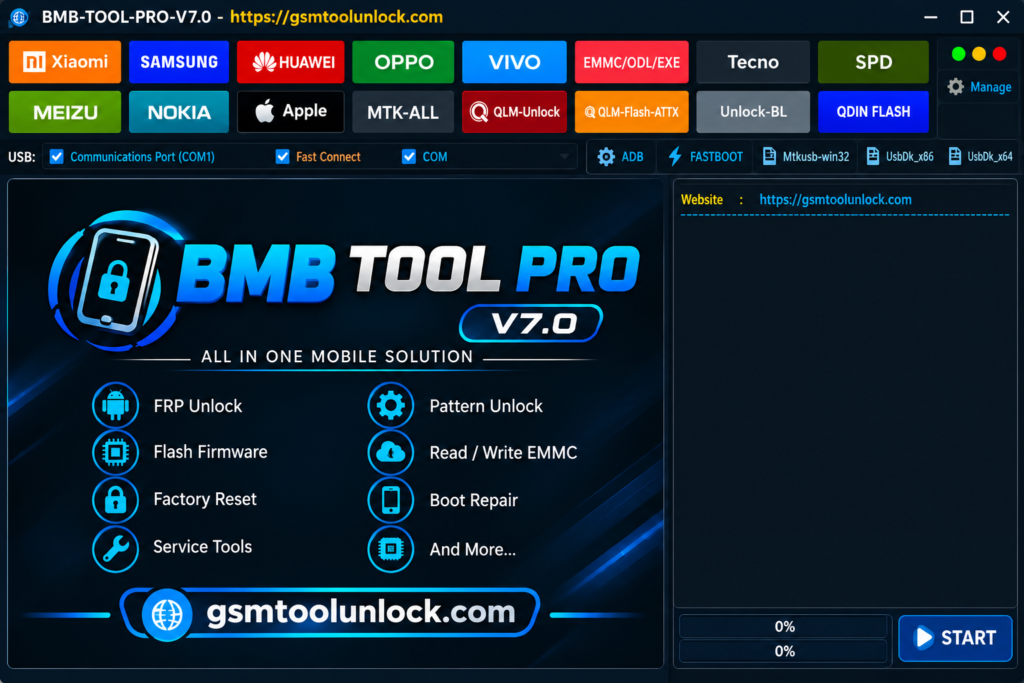
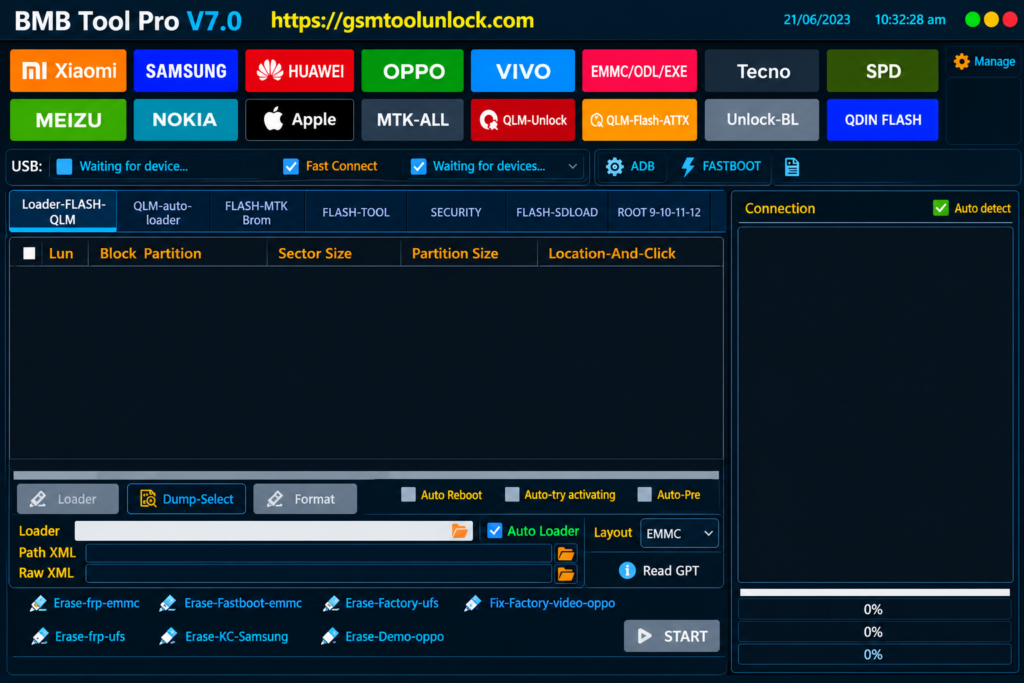
BMB Tool is a window-based utility. It is designed especially for Android devices. It provides help to the technicians to solve servicing issues related to Android devices because it is difficult to tackle multiple chipsets. It provides multiple features like FRP, flashing, factory reset, EDL, BROM, MTP and Fast boot functions. It provides support to multiple chipsets like Qualcomm, Media Tek and SPD devices etc.
What is BMB Tool?
BMB Tool is designed by Hi-Thai Team. It is window-based software made especially for issues related to services of Android devices. As it provides support to multiple chipsets such as Qualcomm, Media Tek and SPD devices to help the technicians to solve chipset related issues.it provides various features FRP, flashing, factory reset, EDL, BROM, MTP and Fast boot functions etc. it is available for many devices such as Oppo, Samsung, Lenovo, Nokia and Vivo.
Key Features of BMB Tool
FRP Removal and Factory Reset
It offers multiple features to Android devices including FRP servicing and Factory Reset options. It provides certain methods like MTP, ADB/Fastboot, Download mode, EDL or according to particular chipsets specific modes.
Bootloader Unlock and Relock
The tool provides many options related to bootloader unlock on supported devices. This provides help in making phone ready for firmware work, custom software and other multiple services processes.
Qualcomm EDL Support
The Tool offers Emergency Download Mode (EDL) on multiple Qualcomm devices. Mobile Experts use this utility for firmware recovery, device servicing, and ROM-related operations.
MediaTek BROM Support
The Tool also provides BROM functions for multiple MediaTek phones. The tool is beneficial in flashing and servicing workflows involving MTK firmware and device connection modes.
Samsung MTP and Odin Support
The Tool offers multiple Samsung-related options including MTP-based FRP servicing, Downloading Mode factory reset, and Odin firmware flashing for multiple supported Samsung models and security versions.
Download Information
| Information | Details |
| Tool Name | BMB Tool Pro |
| Latest Version | V7.0 |
| Developer | Hi-Thai Team |
| File Size | 826.89 MB |
| Platform | Windows |
| Chipsets | Qualcomm, MediaTek, SPD |
| File Password | None |
| Connection Modes | MTP, EDL, BROM, Fastboot, Download Mode |
Also read: Broque Ramdisk PRO Tool v2.8.4
How to Download, Install BMB Tool Pro V7.0?
- Download the BMB Tool Pro from a trusted source.
- Extract the downloaded archive to your PC.
- Open the extracted BMB Tool folder.
- Run the setup file as Administrator.
- Install the supported Android, Qualcomm, or MediaTek USB drivers.
- Reboot the computer if the driver installation requires it.
- Launch BMB Tool Pro V7.0.
- Connect the supported Android phone in its supported mode, such as MTP, EDL, BROM, Fastboot, or Download Mode.
- Select the required servicing function and follow the tool’s instructions.
Pros and Cons
Pros
- It supports a wide range of mobile devices.
- Works on multiple Qualcomm and MediaTek devices
- Offers multiple functions, including FRP and factory reset functions
- Also provides a firmware flashing feature.
- It also has ROM backup and partition tools.
- The tool’s updates make it able to function on multiple devices.
Cons
- Compatibility varies by brand or chipset.
- It doesn’t support every MTK or Qualcomm device.
- Some features require specific connection modes
- USB drivers need to be installed correctly.
- Wrong firmware can cause utility problems.
- For advanced features, technical knowledge is required.
- Antivirus software may sometimes dirupt servicing files.
Conclusion
BMB Tool Pro V7.0 is a very useful utility that offers a wide range of Android servicing functions. It supports multiple brands and chipsets, including Qualcomm, MediaTek, and SPD, with MTP, EDL, BROM, Fastboot, Samsung Odin, ROM backup, FRP, factory reset, and partition tools. It is compatible with several Android brands such as Samsung, Xiaomi, Oppo, Vivo, Realme, Nokia, Lenovo, and Tecno.
FAQ’s
Is BMB Tool Pro free to use?
Yes, the tool is available as a free Windows utility.
Does BMB Tool support FRP removal?
Yes, the tool offers multiple FRP functions, including MTP, ADB/Fastboot, EDL, and other supported modes.
Which chipsets does BMB Tool support?
The tool supports a wide range of chipsets, including Qualcomm, MediaTek (MTK), and SPD devices, depending on the model.
Can BMB Tool flash Android firmware?
Yes, it supports firmware and ROM flashing on several Android devices using methods such as EDL, BROM, and Odin.

One Comment