
E-GSM Tool v4.3.4 Setup Download for Windows [Latest Version]
Mobile technicians and professionals face many problems, including FRP locks, boot loops, system crashes, firmware corruption, screen lock issues, and failed software updates. The best solution to these problems is E-GSM Tool. It’s a user-friendly utility that supports multiple chipsets and devices.
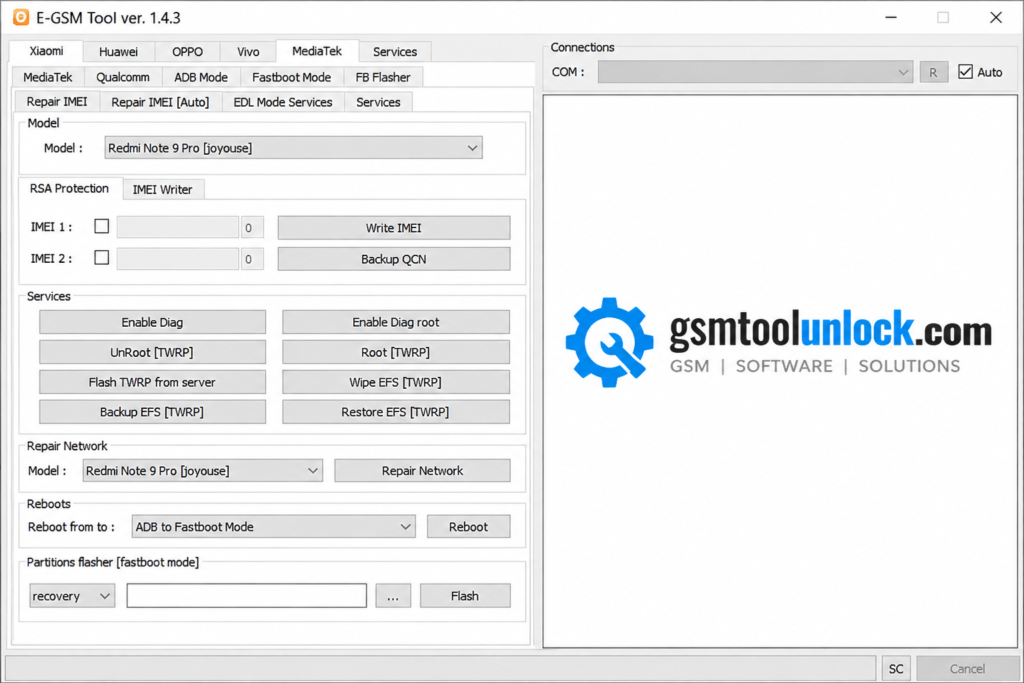
What is the E-GSM Tool?
It’s a lightweight, user-friendly utility software that supports ADB Mode, Fastboot Mode, Recovery Mode, and USB Communication. The tool assists in flashing firmware, FRP bypass, screen unlocks, fixing boot loops, and some other software crashes or failed updates. It’s a reliable utility for both beginners and experts.
Features of E-GSM Tool
IMEI Repair
One of E-GSM Tool’s most important features is IMEI Repair. It provides IMEI repair support on the linked devices.
FRP Removal
E-GSM Tool provides Factory Reset Protection Removal for Google Accounts.
Firmware Flashing
E-GSM Tool provides firmware flashing support for MediaTek (MKT) devices. It also supports devices like Qualcomm and Samsung.
Bootloader and Security
E-GSM Tool provides a feature to unlock various bootloader and security functions on the supported devices. It also helps perform Xiaomi patch cert functions.
Device Control
E-GSM Tool helps users control device functions. It includes factory reset, partition management, reading information, and ADB/Fastboot command operations.
Communication mechanism
The tool offers three modes for strong communication between the device and computer. These modes are ADB mode, Fastboot mode, and USB communication.
Download Information
| Information | Details |
| Software Name | E-GSM Tool |
| Latest Version | V4.3.4 |
| File Size | 37.8 MB |
| Platform | Windows |
| Password | None❌ |
Also check: Download iTools 4.5.1.9 Modified Setup
How to download
- Download the latest E-GSM Tool V4.3.4 from a trusted website.
- Extract the file using a ZIP or RAR extractor.
- Run the. setup file as administrator and complete the installation.
- Install the supported USB driver for the app to work correctly.
How to Install
- Run E-GSM Tool on your PC.
- Connect your Android device using a USB cable.
- Select the required mode(ADB, Fastboot, or Recovery).
- Choose the function needed.
- Click Start and wait for the process to complete.
- Restart your device after the process is completed.
Pros and Cons
Pros
- Lightweight Windows utility.
- Supports multiple Android brands and chipsets.
- Sim[le and Easy-to-use interface.
- Regular function updates.
- Multiple connection modes.
- Fast device detection.
- Helpful diagnostic tools.
Cons
- Limited support for newer Android devices.
- Technical Knowledge is required for different Android devices.
- Different compatibility issues with specific Windows versions.
- Depends on USB and other drivers to function properly.
- Can include piracy risk if downloaded from unofficial sources
Conclusion
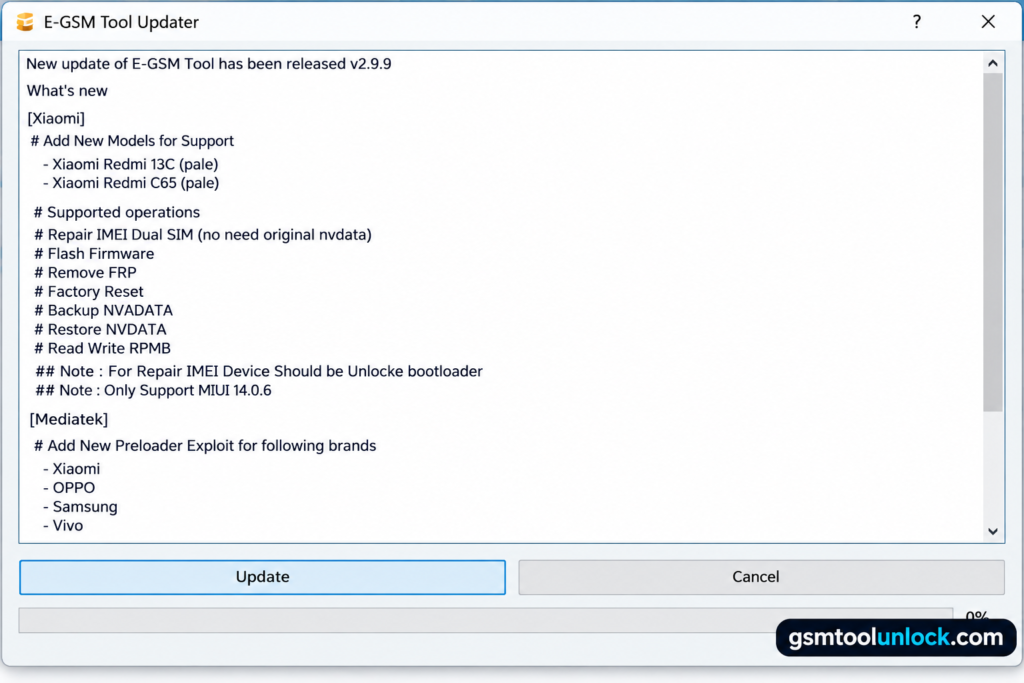
The E-GSM utility is a Windows-based tool designed to repair smartphones, flash firmware, or install firmware. The tool offers multiple functions, including FRP bypass, screen unlocks, fixing boot loops, and resolving other software crashes or failed updates. It supports multiple brands and chipsets, including Xiaomi, Huawei, Vivo, Oppo, and more. It has a simple and user-friendly interface.
FAQ’s
Does E-GSM Tool support Xiaomi devices?
Yes, it supports multiple Xiaomi devices and offers multiple maintenance functions on supported devices.
Can the Tool remove FRP?
Yes, the tool offers FRP removal functionality for multiple devices and different Android versions.
Does it work with MediaTek and Qualcomm devices?
Yes, the tool supports MediaTek and Qualcomm chipset-supported devices.
One Comment