
MDM Fix Tool v1.1.0.2 Free Download Latest Version [2026]
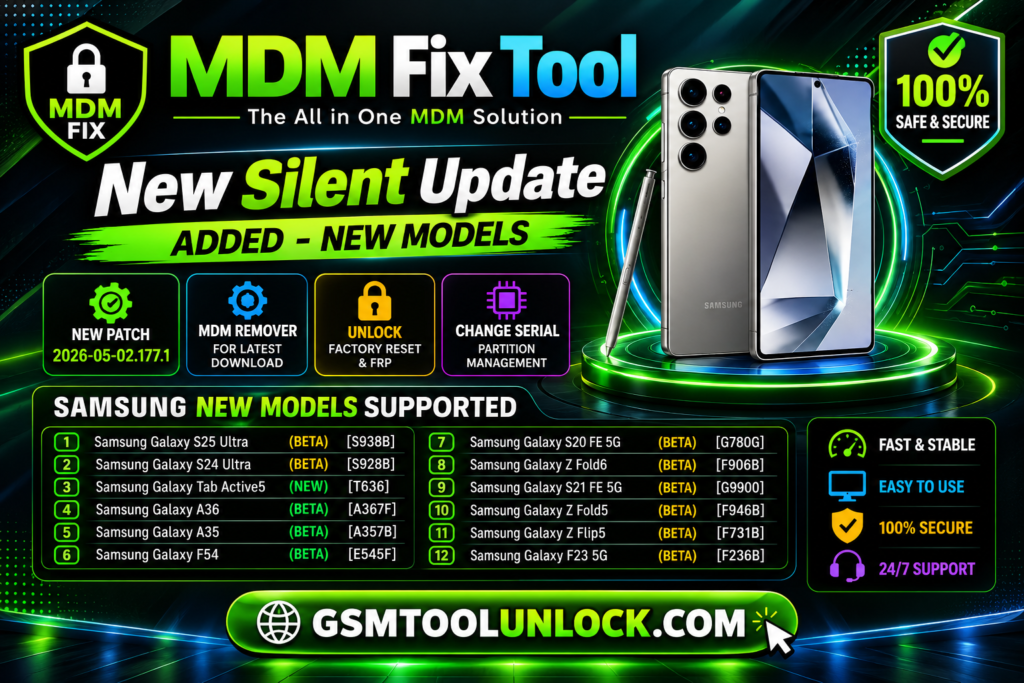
MDM Fix Tool is especially designed for mobile technicians. It helps with specific tasks. It has many features, such as device management restrictions, removing IT administrative locks, and unlocking Samsung Knox Guard locks, etc. It also helps resolve issues related to device management and device restrictions.
What is MDM Fix Tool?
MDM Fix Tool is a Windows-based tool. It helps technicians manage device settings and troubleshoot issues on devices. It is used specifically on Android devices. It may need portable storage to work, such as a USB drive or memory card, etc.
Features of MDM Tool
MDM Unlock
MDM Fix Tool helps remove MDM locks permanently. It can do this on certain devices without opening them. The devices include Android 14 and Android 16.
Brand Compatibility
MDM Fix Tool supports and maintains stability across various Android devices. It includes Samsung, Xiaomi, Oppo, Infinix, and Realme.
IMEI Repair
One of the most important features of MDM Fix Tool is that is provides help for IMEI repair, CPID repair, and is also helpful in unlocking SIM networks.
FRP Removal
MDM Fix Tool is also very helpful for erasing Factory Reset Protection and MI Account permanently.
Device Management
MDM Fix Tool is also supportive in device management. It provides various options to perform operations like checking and managing devices.
Download Information
| File name | MDM Fix Tool |
| Version | V1.1.0.2 |
| File Type | .exe, .zip, .rar |
| Platform | Window |
Also check: HalabTech Tool v1.1 Free Download for MTK & Qualcomm [2026]
How to Download?
- If you want to download the MDM Fix Tool, you need to visit “GSM Tool Unlock”.
- Find the download option and click it.
- After clicking the download option, you are required to save the file on your PC.
- You are required to extract the file from the ZIP if you find that the file is compressed.
- In the last step, you need to open the file and use it.
Pros & Cons
Pros
- It offers to perform multiple functions.
- It provides support for a variety of devices.
- It is very helpful for technicians because it provides many features in one tool.
- Its interface is user-friendly.
- Its selected number of functions also performs operations related to artificial intelligence.
Cons
- It is useful for a limited number of devices.
- It requires a USB or other portable devices.
- Some modern applications are difficult for beginners.
- Sometimes unofficial downloading may cause security risks.
- Sometimes a reset or repair can cause security risks to data.
Conclusion:
MDM Fix Tool is an effective software designed to remove restrictions on devices, including iPhones and Android devices. The tool is more reliable and successful than free options. It is necessary to download the tool from a source like gsmtoolunlock.com. It is also recommended to follow all of the instructions carefully for the software to work efficiently.
FAQ’s
What are the top functions of this tool?
The software erases and bypasses Mobile Device Management (MDM) tools and restrictions set by companies and mobile owners. This software gives the user full control back.
Which Android Versions does MDM Fix Tool Support?
The tool works on Android versions from Android 11 to Android 14, especially on Android 14-supported devices.
What options does the MDM Fix Tool offer for Android lock removal?
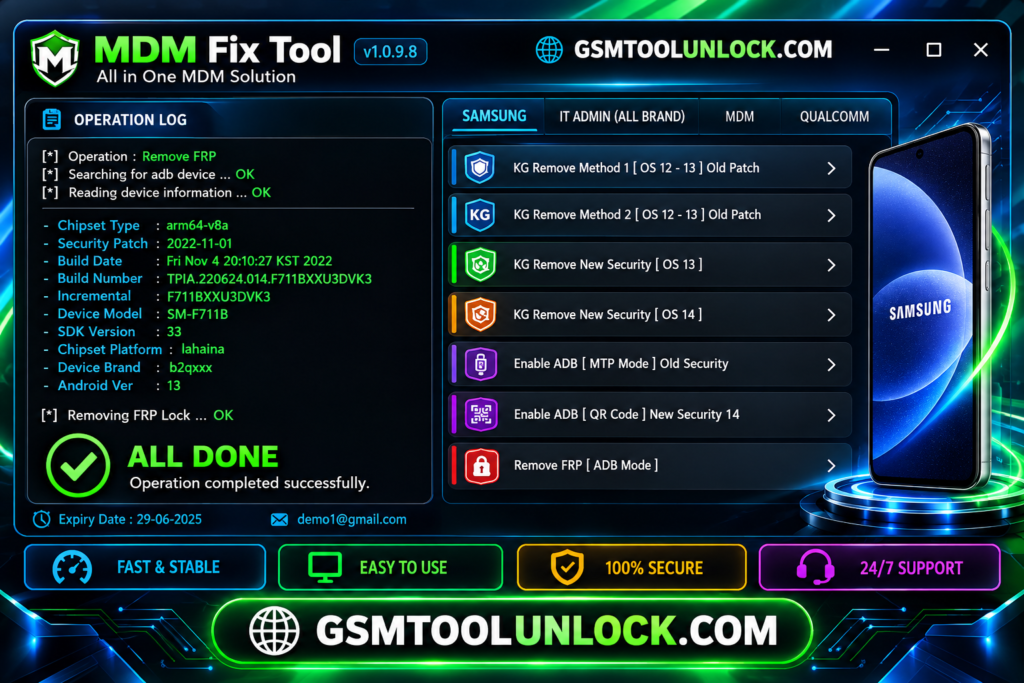
Select KG Remove for Android 13, and IT Admin Remove for Android 11 to 14.
What are the risk factors of using third-party MDM removal software?
It may only be a temporary Bypass. A factory reset and Android system upgrade are recommended to permanently reactivate MDM restrictions.
One Comment