
Prime ToolX 26.7.2 by GSM Prime Full Setup Activated [2026]
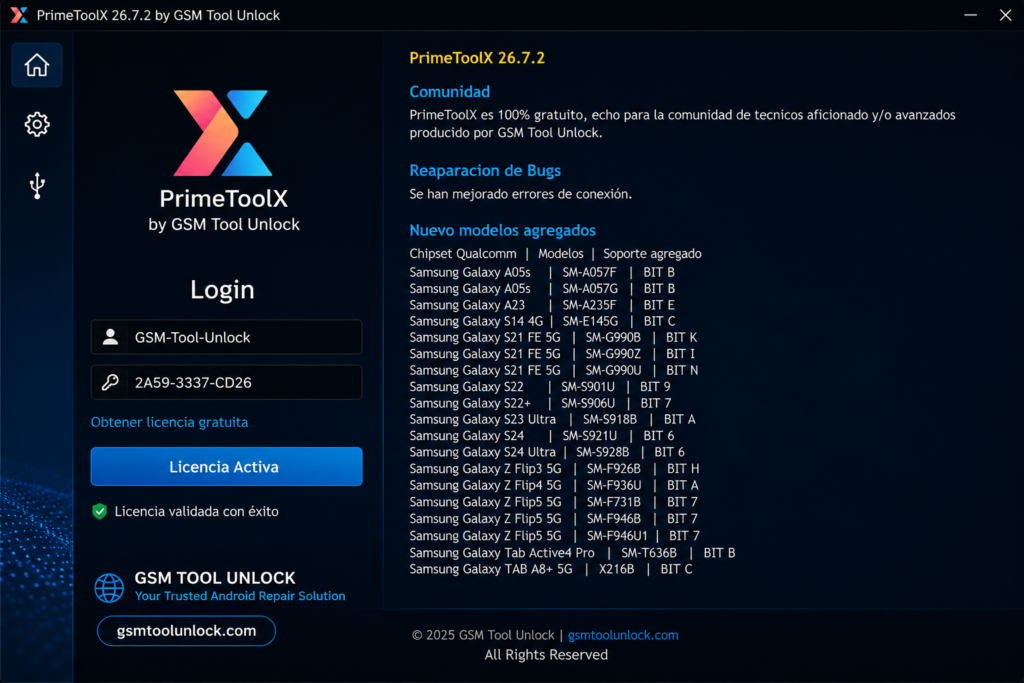
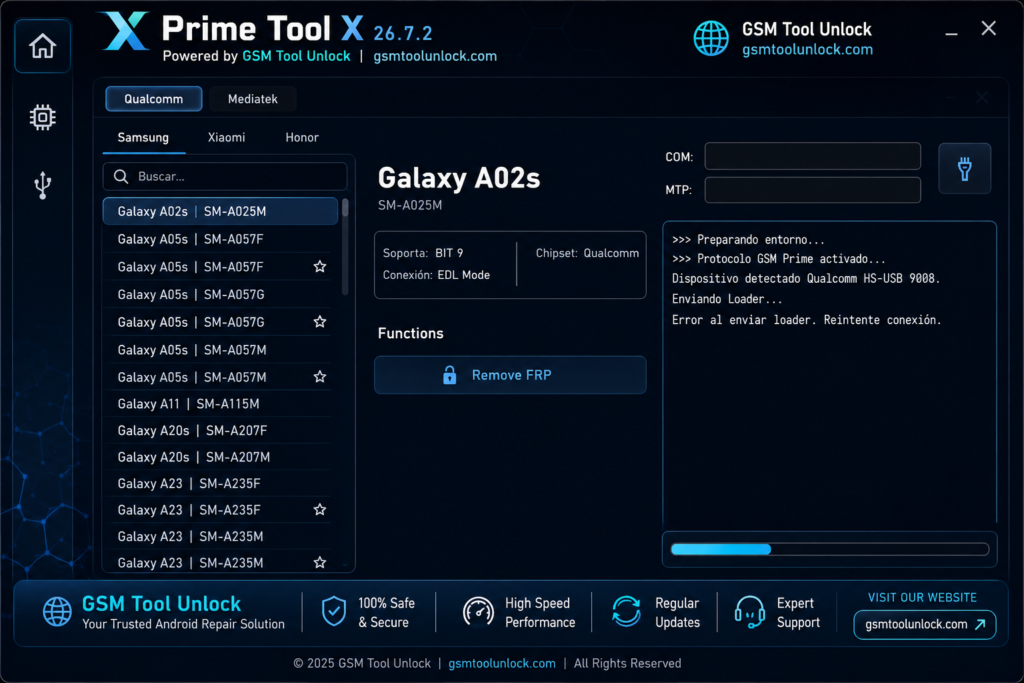
Prime ToolX is designed especially for repairing Android mobile phones. This tool provides help to technicians to solve problems faced by Android users. It includes various features like FRP, screen locks, Google account verification, firmware flashing, and IMEI repair. Technicians use it by plugging the device in with USB drivers, ADB, and MediaTek.
What is Prime ToolX?
Prime ToolX is designed to solve repair problems for Android mobile phones. It is a Windows-based utility and includes multiple features like FRP removal, MDM removal, IMEI change or repair, screen unlocks, and factory reset. It provides support for many Android devices such as Redmi, Xiaomi, Samsung, Huawei, and Oppo.
Features of Prime ToolX?
FRP Bypass
The most important feature of Prime Tool is FRP Bypass. This feature is available with no more limitations. Earlier, it worked with Samsung only, but now it’s available for other brands too. The brands include Redmi, Xiaomi, Samsung, Huawei, Vivo, and Oppo.
Multi–Chipset
Prime Tool now provides a wide range of functions with multiple chipsets. It involves ADB, MediaTek, Exynos, SPD, and Unisoc. It is also available for Android 12 and 16.
Flashing
Prime Tool provides the user with a facility to repair Samsung devices and solve software-related issues by installing the firmware.
Screen Removal
Prime ToolX helps the user to unlock the PIN, password, or pattern. It helps to resolve screen unlock-related issues too.
Factory Reset and Data Wipe
Prime ToolX provides an opportunity to wipe or remove all the data from the device when performing a factory reset.
Backup & Restore
Prime ToolX allows the user to perform partitions, for example NVRAM, EFS, MODEM, and USERDATA, etc. It helps the user to back up and restore data whenever it is needed.
Download Information
| File Version | V26.7.2 |
| File Size | 275 MB |
| File Password | None |
Also check: UMT Tool v14.3 Download Setup 100% Working Solution [2026]
How to Download?
- First of all, you need to download the ZIP from GSM Tool Unlock.
- After downloading, you need to unzip all the files with the help of WinRAR or 7-Zip.
- After unzipping, run the tool as administrator
- Install MediaTek and UsbDk from the Drivers tab, and Qualcomm QDLoader 9008 if required.
- Restart your device after installing the drivers.
- Finally, you can start using this tool.
Pros & Cons
Pros
- It is easy and simple to use.
- It provides FRP support.
- It provides various functions for mobile servicing.
- It helps to perform device management.
- It provides support for multiple chipsets.
Cons
- It requires drivers for connections.
- It may cause data loss while performing a few functions.
- Some incorrect tasks may cause software issues.
- It provides limited support for a number of brands.
- It may require technical knowledge.
Conclusion
Prime ToolX is a Windows-based software designed for professionals to troubleshoot Android devices. It provides features like FRP Lock Bypass, removing screen lock, IMEI Repair, and firmware flashing on different devices and chipsets. However, there is a high probability of data loss if used without USB drivers. So we suggest installing the drivers before using the tool.
FAQ’s
Which specific drivers are used to run Prime ToolX smoothly?
You have to install drivers like MediaTek and UsbDk drivers with Qualcomm QD loader drivers, for the software to function correctly.
Should i have to back up before using the tool?
Yes! The tool itself supports backup and data functions to protect your device from Data loss.
For FRP removal, what connection modes does the Prime toolX use?
Brom, ADB, preloader, and MediaTek connection modes are used for FRP Removal.
What are the main risks while using Prime ToolX?
Performing or using the tool incorrectly can cause data loss and can corrupt the software. Moreover, there is a high risk of data loss while flashing firmware or wiping partitions.
One Comment