
UMT Tool v14.3 Download Setup 100% Working Solution [2026]
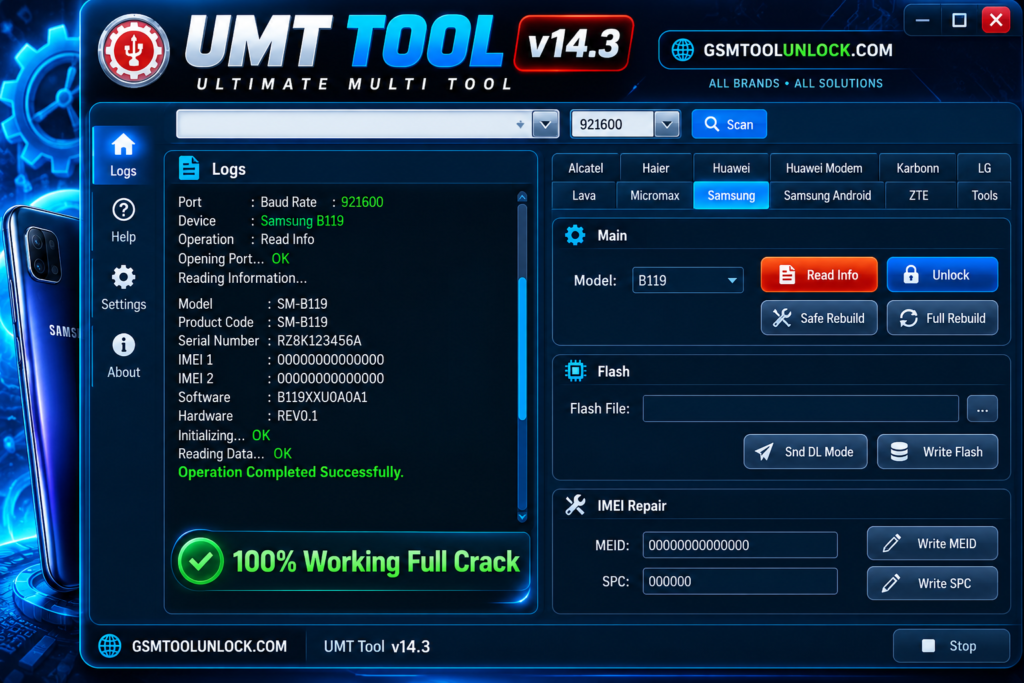
UMT Tool, or Ultimate Multi Tool, is designed for mobile phones to perform service and repair functions. It is especially designed to provide help to technicians to work on mobile phone problems. It is helpful for various mobile phone brands and chipsets. It includes multiple functions such as FRP servicing, firmware flashing, and factory reset, etc.
What is UMT Tool?
UMT, or Ultimate Multi Tool, is designed for mobile phone technicians to help them with phone unlocking, repairing, and flashing. It is helpful to operate on the UMT box and its modules. It provides a facility for technicians to understand mobile phone settings such as phone information, flashing firmware, resetting supported locks, etc.
Features of UMT Tool
Firmware Flashing
UMT Tool provides a service for reading and writing firmware on supported cell phone brands. It guides them to understand the information of the mobile phone and take help from it to install or repair the software.
FRP Reset
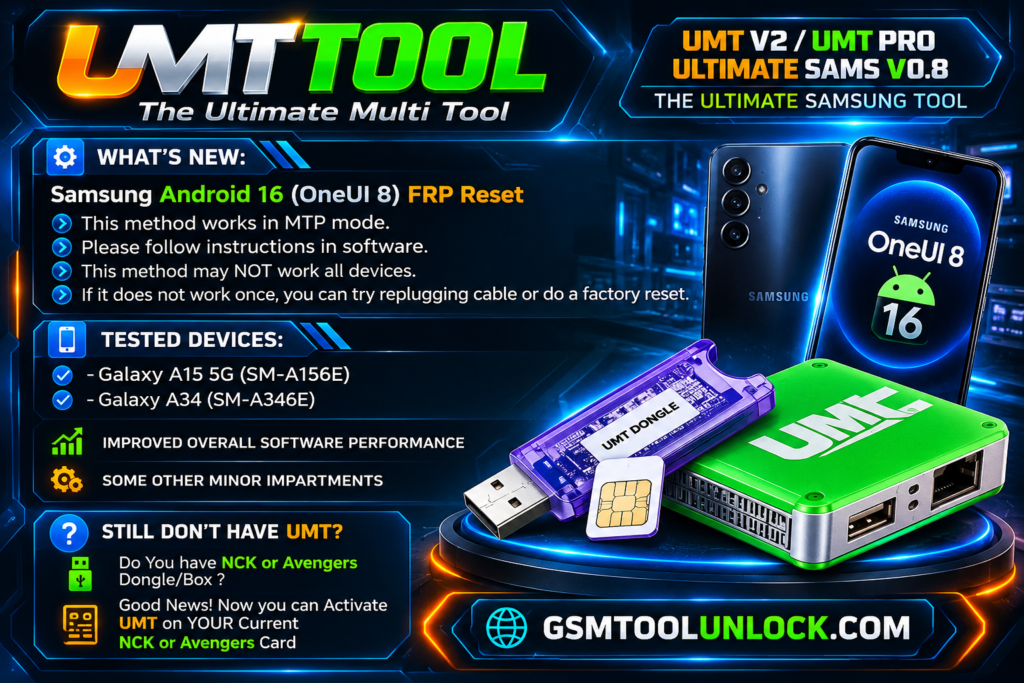
One of the most important features of UMT Tool is the function of resetting FRP. FRP function is provided by Google to be performed when the phone gets reset.
Factory Reset and User-Data Operations
UMT Tool can also perform functions like Factory Reset and operations related to User-Data. This feature helps during the process of servicing or preparing it for a fresh setup.
Multi Chipset Support
This Tool provides wide support for multiple chipsets. It is not limited to one chipset. It includes Qualcomm, MediaTek, and Unisoc, etc.
IMEI Repair
UMT Tool provides a facility for storing lost or corrupted IMEI data on available supported chipsets.
Download Information
| File name | Ultimate Multi Tool/UMT |
| Platform | Window PC |
| Latest QcFire Shown | v14.3 |
| File size | About 201.5 MB |
Also check: FRT Tool V1.7.5 Latest Version 100 % Working [2026]
How to download?
- You are required to write the name of the tool in any search browser.
- Now search for GSM Tool Unlock.
- Find the download button and click on Download.
- Save the downloaded file in the Downloads folder.
- Now the file is ready to use.
Pros & Cons
Pros
- It provides support for multiple chipsets.
- · It provides support for various brands like Samsung, Vivo, etc.
- · It is helpful for performing firmware servicing.
- · It contains the function of advanced repair.
- · It is designed to help technicians.
Cons
- Not all functions are available free of cost.
- Beginners require prior knowledge to use it.
- Some operations can cause data loss.
- It requires multiple modules.
- Some functions may cause restrictions.
Conclusion
UMT Tool is a strong option for repairing Android devices. It is designed for experts who need technical support like FRP Bypass, IMEI repair, and firmware flashing. The tool offers paid services; however, avoid the free version, as it may not be safe to use.
FAQ’s
Is the UMT Tool free and safe to use?
No! The UMT tool requires a paid subscription and a dongle. Downloading from third-party websites carries a piracy risk.
Can UMT Tool bypass FRP on Android 13 and 14?
Yes! UMT Tool supports Android 13 and 14 after its MTK 5.0 and QcFire update. However, its functionality depends on the device’s model.’
Does UMT Tool need Drivers?
Yes, UMT Tool requires specific drivers to work smoothly. To avoid confusion, we recommend installing the drivers.
Does UMT GSM Tool require a Dongle?
Yes, the GSM module requires compatible UMT Box or Dongle hardware and appropriate activation to access its functions.
Is UMT GSM Tool suitable for mobile technicians?
Yes, it is designed for mobile servicing professionals and advanced users who perform authorized Android firmware repair, device maintenance, and software troubleshooting.
One Comment