
BFT Tool v1.8 By BossV Free Updated Version
When you face FRP locks, forgotten screen passwords, firmware errors, boot problems, or software issues. You need to switch between multiple servicing tools for different Android brands and chipsets. BFT Tool brings essential mobile servicing functions into one free Windows-based solution. It helps users to handle firmware flashing, FRP reset, screen-lock removal, bootloader operations, security servicing, and device repair across supported MediaTek, Qualcomm, Unisoc, and Samsung devices.
What is the BFT Tool?
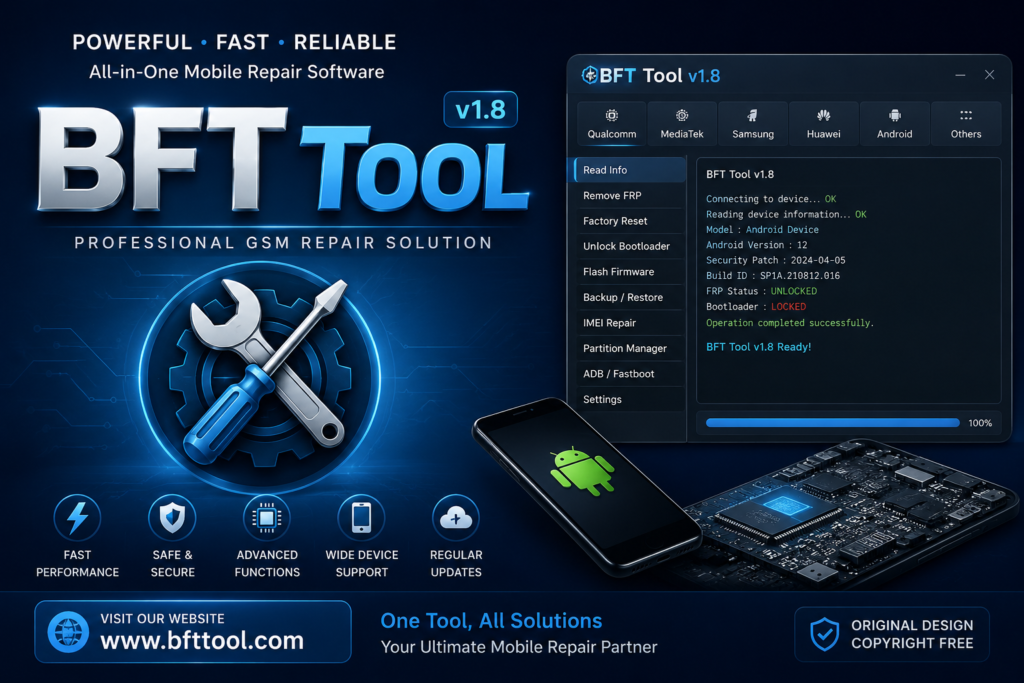
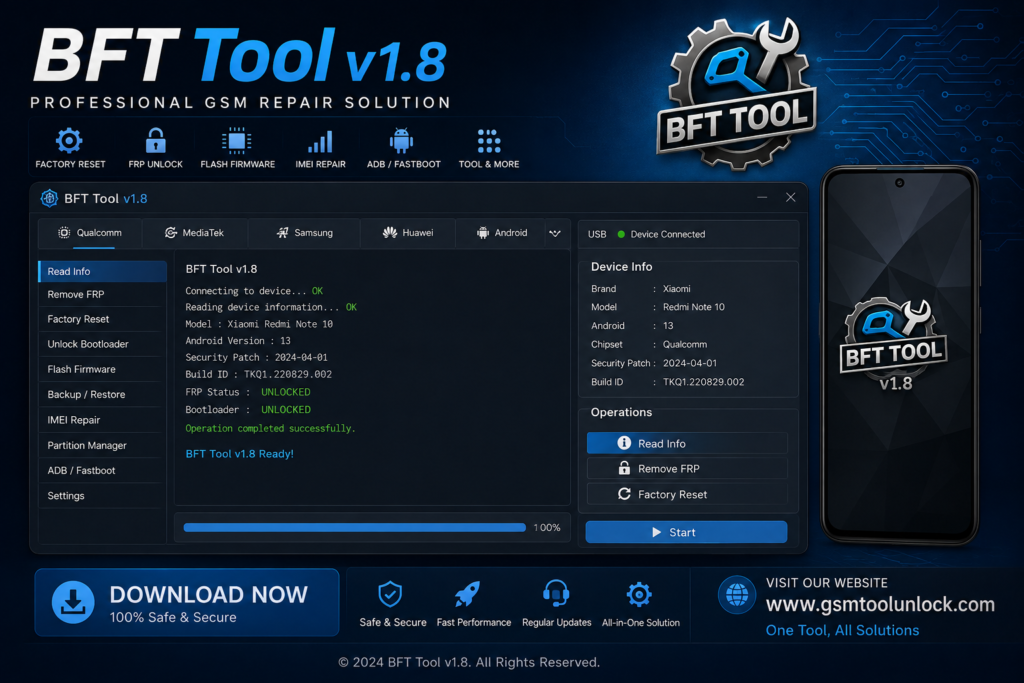
BFT Tool is a Best Flashing and fully free Windows-based Android servicing tool. It is designed to help mobile technicians handle common software problems from one interface. It supports MediaTek, Qualcomm, Unisoc, and Samsung devices. It provides functions for firmware flashing, FRP reset, screen-lock removal, bootloader operations, security servicing, and device repair.
Features of the BFT Tool
Firmware Flashing
BFT Tool Flash supports Android devices using compatible firmware files. It helps resolve common firmware, boot, and software-related issues.
Samsung Servicing
The tool includes dedicated functions for supported Samsung devices. It helps technicians perform available Samsung software servicing operations.
Auto & Universal Functions
The tool simplifies certain servicing operations through automated functions. It reduces repetitive steps when working with supported devices.
Model Search
The tool helps technicians quickly find supported device models and functions. It makes it easier to identify the appropriate servicing option.
Expanded Model Support
The tool’s recent versions add compatibility for hundreds of additional Android models. This gives technicians access to servicing options for a wider range of devices.
Security & Software Repair
The tool provides various servicing options for supported software and security issues. It brings multiple Android repair functions together in one Windows-based tool.
What’s New in the BFT Tool?
- Faster Performance & Stability
- Enhanced Qualcomm Support
- Advanced Auto & Universal Functions
- 250+ New Device Models Added
- Improved Model Search
- Expanded Infinix & Itel Support
- Expanded Realme & Nokia Support
- Improved Motorola & Samsung Compatibility
- Updated MTK, Qualcomm & Unisoc Support
- New Software & Security Servicing Options
System Requirements
| Requirement | Details |
| OS | Windows 7/8/10/11 |
| RAM | 4 GB or more |
| Processor | Intel/AMD Dual-Core or better |
| Storage | 2 GB+ free space |
| USB Port | USB 2.0/3.0 |
| Drivers | Required device USB drivers |
Also check: Drt Device Reset Tools Oppo Free Remove Pattern & Frp Tool [2026]
How to Download & Install the BFT Tool?
- Download the BFT Tool from a trusted source.
- Click on the download link.
- Wait until the download is complete.
- Extract the downloaded ZIP/RAR file on your PC.
- Install the required Android USB, ADB, or Fastboot drivers for your device.
- Open the BFT Tool.
- Connect the compatible Android device to your computer using a USB cable.
- Run the tool as admin.
- The tool will open on your PC screen.
- Enjoy using the tool.
Pros & Cons
Pros
- Supports MTK, Qualcomm & Unisoc
- Wide Android brand compatibility
- Firmware flashing support
- FRP & screen-lock servicing
- Auto & Universal functions
- Regular model compatibility updates
Cons
- Not every device is supported
- Drivers may be required
- Firmware files may need to be downloaded separately
- Features vary by device model
- Advanced functions may require technical knowledge
- Some functions may have device-specific limitations
Conclusion
BFT Best Flash Tool by BossV V1.8 brings essential Android servicing functions into one Windows-based utility, including firmware flashing, FRP servicing, screen-lock support, bootloader operations, and chipset support for MTK, Qualcomm, and Unisoc. With broad brand compatibility and regular model updates, BFT can be a practical option for mobile technicians handling supported Android software and servicing tasks.
FAQ’s
Can BFT Tool remove FRP?
BFT includes FRP servicing functions for supported devices and models.
Can BFT Tool repair software problems?
It provides various software and security servicing functions for compatible devices.
Does BFT support Qualcomm devices?
Yes, BFT includes Qualcomm support, with improved Qualcomm functionality in newer versions.
Can BFT Tool unlock the bootloader?
It includes bootloader-related functions for compatible devices, depending on the model.
Does BFT support all Android phones?
No. BFT’s functions and compatibility vary by device model, chipset, firmware, and security version.
Is BFT suitable for mobile technicians?
Yes, its combination of flashing, FRP, bootloader, and other servicing functions makes it suitable for mobile software technicians.



One Comment