
Dars Unlock Tool v2026.08.25.0 | Download Updated Version [2027]
A phone stuck on the FRP screen. A weak network signal after a repair. A soft-bricked phone that will not start. Dars Unlock Tool, also written as DARS Unlocker. This tool supports FRP removal, firmware flashing, IMEI and network repair, and special Boot Diag support for some Apple A12/A13 devices.
What Is Dars Unlock Tool?
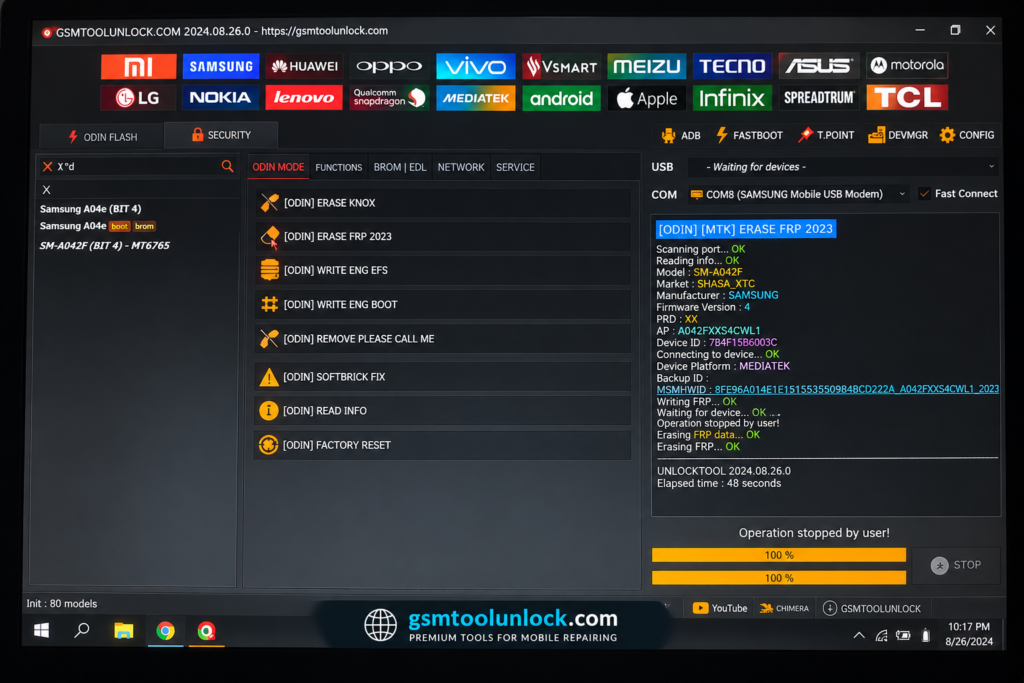
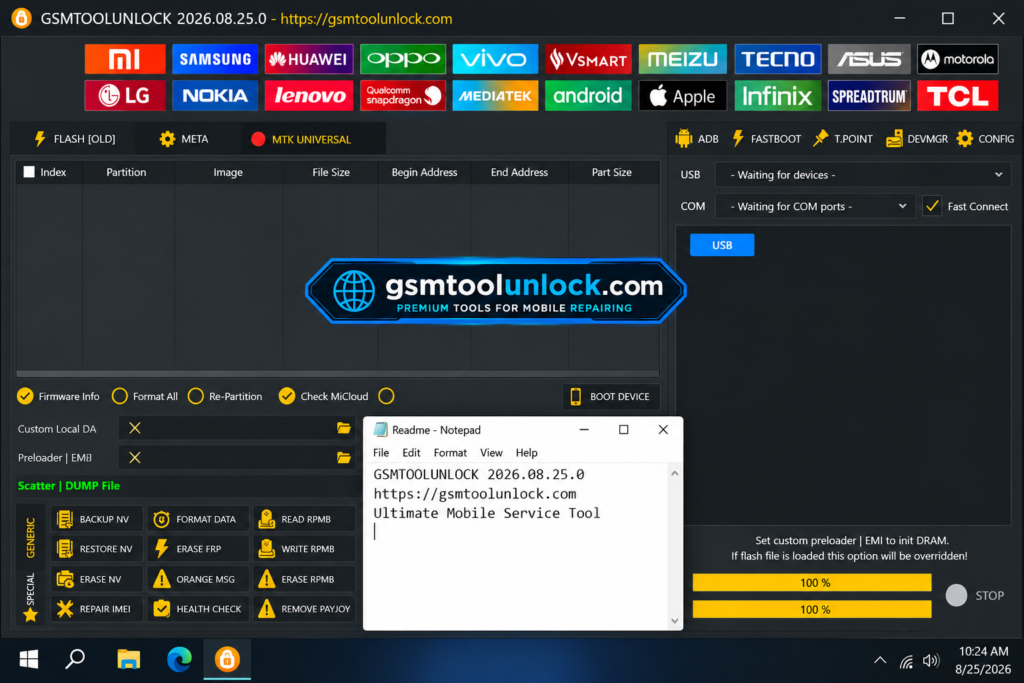
Dars Unlock Tool is a Windows-based mobile servicing program. It’s a full servicing tool with FRP, firmware, and network repair modules, and it is also a loader tied to the separate UnlockTool application. The latest Dars Unlock Tool V2026.08.25.0 comes with a login-based system and includes updated support for selected Apple devices.
Features of Dars Unlock Tool
FRP Lock Bypass
The tool lists FRP removal across several Android brands and security patches. Use this only for real owners who forgot their login.
Samsung Exynos FRP via Odin Download Mode
Samsung phones use their own chip line called Exynos, alongside Qualcomm Snapdragon models sold in other regions. Download Mode, also called Odin mode, is Samsung’s flashing mode. The V5 update adds FRP servicing for selected Exynos phones through this mode.
Qualcomm Loader Support
The tool lists extra Qualcomm loaders for some Samsung models. A loader is a small file that lets a program talk to a specific chip in EDL mode.
Boot Diag Support for Apple A12/A13 Devices
Boot Diag is a mode tied to Apple’s A12 and A13 chips. These chips power several iPhone and iPad models released between 2018 and 2020. This feature is linked to reading and changing supported device information on those models. Apple security is strict, so results change often as Apple updates its software.
Supported Apple Models
Reported supported models include:
- iPhone 11, iPhone 11 Pro, iPhone 11 Pro Max
- iPhone SE (2020)
- iPhone XS, iPhone XS Max, iPhone XR
- iPad Air 3
- iPad mini 5
- iPad 8
Not every feature works on every model, so confirm compatibility before you promise a result.
Direct Firmware Flashing
Firmware is the main software inside a phone. The tool lists support for writing stock ROMs and repair firmware to device memory. This can fix a soft-bricked phone or one that is stuck on the logo.
Wide Chipset and Brand Support
Sources list support for MediaTek, Qualcomm, and Unisoc/Spreadtrum chips across brands such as Samsung, Xiaomi, Vivo, OPPO, Realme, and Huawei. Actual support depends on the model and the specific build you use.
Login-Based Access
Some builds use a login system before you can use the tool’s functions. Check that any login or account page you use is run by a source you trust.
What’s New in Dars Unlock Tool V5?
- Added Samsung Exynos FRP support through Odin Download Mode
- New Qualcomm loaders for more Samsung models
- Fixed reported loader issues
- Fixed reported VPN and server connection errors
- Boot Diag support for selected Apple A12/A13 devices
- Hello Bypass screen-timeout fix
System Requirements
| Component | Minimum |
|---|---|
| Operating System | Windows 8.1 / 10 (64-bit) |
| Processor | Intel Core i3 or AMD equal |
| RAM | 4 GB |
| Storage | 2 GB free |
| USB Drivers | MediaTek, Qualcomm, or SPD drivers as needed |
Also read: 3uTools V9.12 Full Setup Download for PC/Laptop
How to Download & Install Dars Unlock Tool
- Get the setup package from the download button or from a Trusted source.
- Extract the archive into its own folder.
- Scan the files with your antivirus before you open them.
- Install the MediaTek, Qualcomm, or SPD USB drivers your device needs.
- Run the tool as Administrator.
- Sign in if the tool asks for login details, using only an account you trust.
- Connect the phone with a good USB cable.
- Select the brand, chipset, and the function you need, such as FRP Bypass.
- Confirm the device and mode match before you start.
- Follow the on-screen steps and do not disconnect the phone mid-job.
Pros and Cons
Pros
- FRP, firmware, and network repair in one place
- Boot Diag support for selected Apple models
- Wide chipset list (MTK, Qualcomm, Unisoc)
- Updates fix loader and connection errors
- Useful for repair shop workflow.
Cons
- Compatibility depends heavily on device and version
- Not every Apple or Android model is supported
- Login-based access on some builds
- No single confirmed official source
- Third-party release claims are not independently verified
Conclusion
Dars Unlock Tool lists a wide set of servicing features, from FRP removal and firmware flashing to NVRAM/EFS repair and Boot Diag support on select Apple models. It covers many popular Android chipsets and brands. But reports about the tool are mixed, version numbers differ between sources, and there is no single confirmed official site. Check your device model, confirm the version you need, and use the tool only on phones you are allowed to service.
FAQ’s
1. What is Dars Unlock Tool used for?
It is used for Android and selected Apple device servicing. This includes FRP removal, firmware flashing, IMEI and network repair, and Boot Diag support on supported A12/A13 Apple models.
2. Does Dars Unlock Tool support Samsung devices?
Reported features include Samsung Exynos FRP servicing through Odin Download Mode and extra Qualcomm loaders for some Samsung models. Support depends on the model and security patch.
3. Which Apple devices does Dars Unlock Tool support?
Reported models include iPhone 11, 11 Pro, 11 Pro Max, SE (2020), XS, XS Max, XR, iPad Air 3, iPad mini 5, and iPad 8.
4. Does Dars Unlock Tool support Qualcomm EDL mode?
Yes, it supports EDL for direct flashing and lock removal on Qualcomm-based phones.
5. Is Dars Unlock Tool free to download?
Treat free download claims with care and confirm the real license terms before you rely on it for business use.
6. Is Dars Unlock Tool safe to use?
Safety depends fully on where you get the file. Scan every download, avoid turning off your antivirus or driver checks, and use the tool only on devices you are authorized to repair.
7. Does Dars Unlock Tool work on Windows 11?
Yes, Windows 10 and 11 (64-bit) as supported, with Windows 8.1 as a minimum for older builds.
One Comment