
MOTO FRP Tool Download Setup For Windows (Latest)
Moto FRP Tool is a removal tool especially designed to remove FRP and unlock the bootloader on Android devices using various methods. This feature was introduced by Google itself to provide security by locking a phone automatically if the factory is reset, even if the user has not logged out of their Google account.
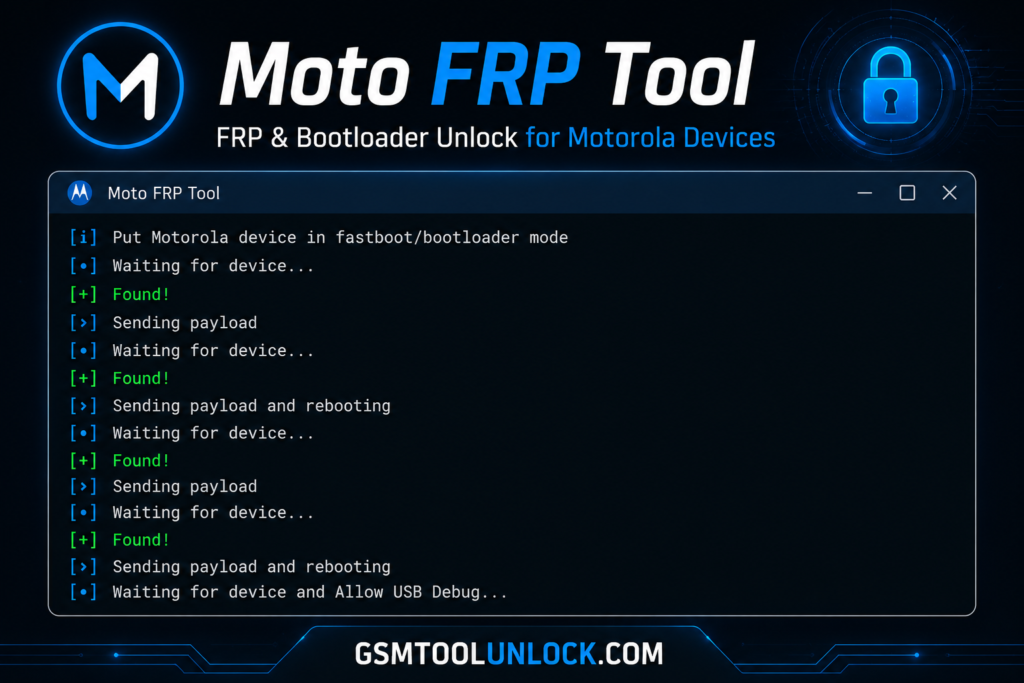
What is Moto FRP Tool?
The Moto FRP Tool is especially designed to unlock FRP locks on Motorola phones. It provides help to users who do not remember their Google account password or may buy a second-hand or used phone that is still linked to the previous user. It is connected via the USB port and erases the files present in internal storage where the information about the Google lock is held.
Features of Moto FRP Tool
Portable Applications
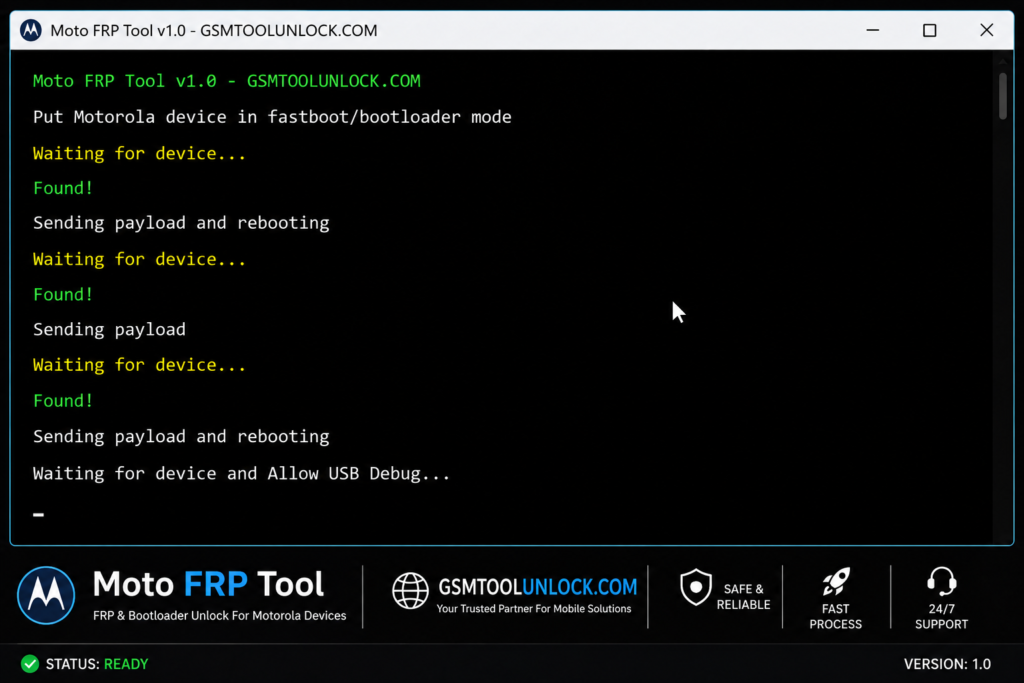
Moto FRP Tool is beneficial because it provides portable applications, which means that it does not need an installation process. Users just need to download the tool and then run it on their computer.
Easy-to-Use UI
Motos FRP Tool provides an easy-to-use user interface. Instructions are clearly mentioned, and it includes simple and easy designs. Its simplistic features help the user to use it even without much knowledge. This feature helps to save time and provides user-friendly support.
One-Click Remove FRP
Factory Reset Protection is a security feature provided by Google that demands the earlier Google account after a factory reset. Moto FRP Tool helps to solve this problem in only one click. When this tool is used on the owner’s own device, it provides multiple options to simplify this process.
Completely Free
Moto FRP Tool is available free of cost. The user just needs to download it from the website without any license required. Then use it on any device.
Download Information
| File Name | Moto-FRP-Tool-BypassFRPfiles.com |
| Type | .exe |
| Size | 25MB |
| Compatible | Windows: Vista/ Win 7/ XP/ Win 8/Win 10 (32bit/64bit) |
Also check: ClanCells Simple Tools V6 Free Updated Version for Windows [2026]
How to download?
- The user is required to type the name of the tool into any search browser in his computer.
- The user can find out its latest version from GSM Tool Unlock.
- Once you find the latest version, click on Download.
- Save the downloaded file in the Downloads folder.
- Now you can use it.
Pros & Cons
Pros
- It is available free of cost.
- It is simple and easy to use.
- It does not take time to install because it is portable.
- It is helpful for beginners and technicians.
- It is easily accessible via portable devices such as USB drives, etc.
Cons
- It does not provide support for all Moto models.
- It may cause connection issues due to an improper USB plug.
- If the downloaded version is unofficial, it may pose risks.
- It requires compatible portable devices.
- Its security updates can affect support.
Conclusion
The Moto FRP tool offers a secure, Kaspersky Antivirus-verified solution and supports all major Windows operating systems, including XP, 7, 8, and 10 (32-bit and 64-bit). For a smooth connection, install the required Minimal ADB & Fastboot and Moto USB drivers before launching the tool. Also, back up your phone before using this software, as bypassing FRP will erase all data.
FAQ’s
Which operating systems support the Moto tool?
The tool primarily supports major operating systems like XP, 7, 8, and 10, supporting both 32-bit and 64-bit versions.
Does it require any drivers before connecting my phone?
Yes! You need to install all required drivers, including Minimal ADB & Fastboot and the Moto USB driver, for the software to function correctly.
Is the Moto Tool free and safe to use?
Indeed! Kaspersky Antivirus firstly scanned the software before it was uploaded to servers.
Will unlocking the FRP delete my personal data?
Yes! FRP Bypassing will remove all personal data from your phone. That’s why we suggest backing up your data to avoid any loss.
One Comment