
Huawei FRP Tool v1.0 FRP Bypass & Fastboot Modified for Windows
If you mistakenly locked your Huawei Device or don’t remember the Google account on it, there is no need to worry, because the Huawei FRP tool can unlock or bypass FRP. To repair a Huawei device, functions like Fastboot and BROM mode are used. For communication between the tool and the Huawei device, MediaTek chipsets are used to enable the repair option.
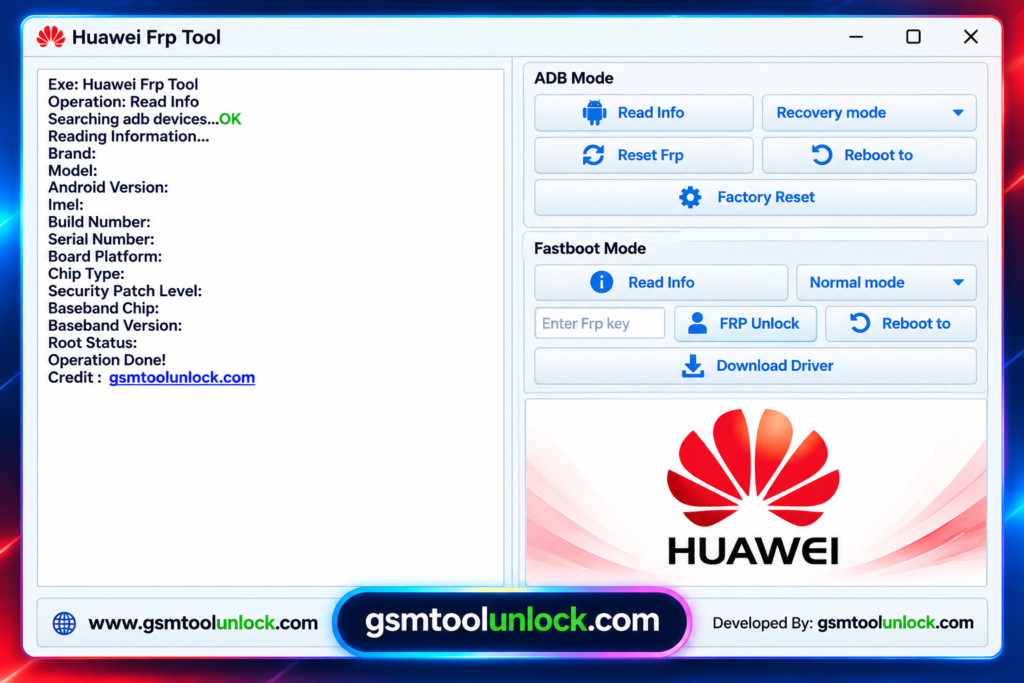
What is the Huawei FRP Tool?
Huawei FRP Tool is a powerful utility designed to repair all Huawei devices with Google account verification issues and more. It operates with different modes like fastboot mode, BROM mode, and boot mode. You can unlock your forgotten passwords, PINs, or patterns with the help of this tool. It is suggested to install the supported USB drivers first and use MediaTek chipsets for communication between the mobile device and the utility.
Features of Huawei FRP Tool
FRP Removal:
Most of the time, the phone is stuck because of the Google account used or after a restart. You can bypass FRP with this tool to make your phone like a new one.
No technical knowledge
The tool has low resource usage and is very easy to operate. You can use the tool even if you are a beginner or have little knowledge of using such a tool.
Modes
It operates with different modes, such as Boot mode. Fastboot mode and BROM mode. These modes help the tool to communicate with the device.
Lightweight
It’s a lightweight, easy-to-use utility. It doesn’t require much space to operate. Moreover, it is a user-friendly tool with low resource usage.
Multiple Version Compatibility
It also supports multiple mobile devices other than Huawei. However, it is mostly used for Huawei device repair only.
Simple Dashboard
It is a simple and easy-to-use utility software designed for all kinds of users, including beginners and professionals.
Download Information
| File Name | Huawei FRP Tool v1.0 |
| File size | 57.91 MB |
| Version | V1.0 |
| File Password: | None |
Also check: QFIL Tool v2.0.3.5 for Windows – Qualcomm Flash Tool Modified.rar
How to Download Huawei FRP Tool v1.0?
- Download the tool from an official or trusted website.
- Install the Huawei Highsuite package with the required USB drivers.
- Run the FRP tool on the computer.
- Connect your Huawei device in the required mode using a USB cable.
- Choose the correct device model from the list.
- Click the correct option and follow the instructions carefully.
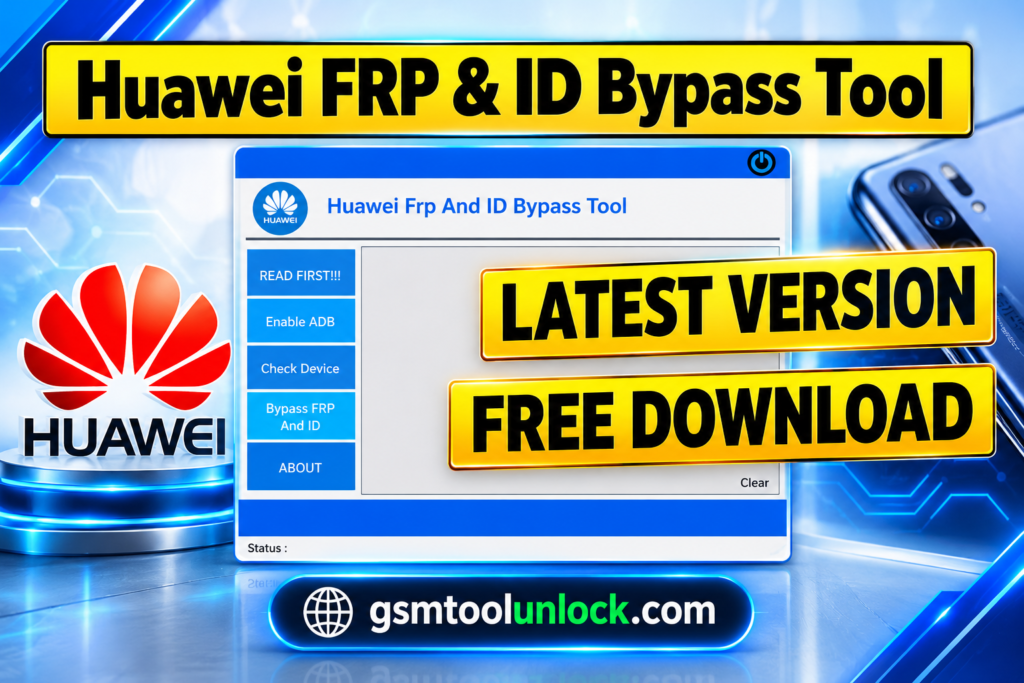
Conclusion
Huawei FRP Tool is a powerful utility designed for unlocking and repairing multiple mobile devices, especially when the owner forgets the password, PIN, or lock of their devices. Moreover, after resetting the device, if the user forgets their Google account, the tool helps in bypassing FRP. The tool helps with FRP unlocks and screen unlocks without much technical knowledge, with an easy-to-use interface. Within a few clicks, you can turn your device into a new one.
FAQ’s
How do I FRP unlock my phone?
FRP, or Factory Reset Protection, is a security function designed to prevent unauthorized access after a factory reset. Users first have to sign in with the Google Account that was previously synced to the phone to unbrick an FRP-protected device.
How do I unlock Huawei if I forgot my password?
The Official method is to factory reset your device if you forget your device password. This removes all of your personal data and resets all of the device’s settings to default.
What is the FRP code for Huawei?
Factory Reset Protection (FRP)is used by Huawei devices to protect the device after a factory reset. If the device is still locked out, then use the account recovery option or contact Huawei Support for assistance.
What is the best tool for Huawei FRP?
While several Huawei FRP unlock methods and tools are available, some APK-based solutions can be risky and difficult to use. UltFone FRP Bypass Tool is often recommended because of its simple interface and reliable FRP removal process.


One Comment