
Miracle Advanced Android Tool V1.35 free for Windows
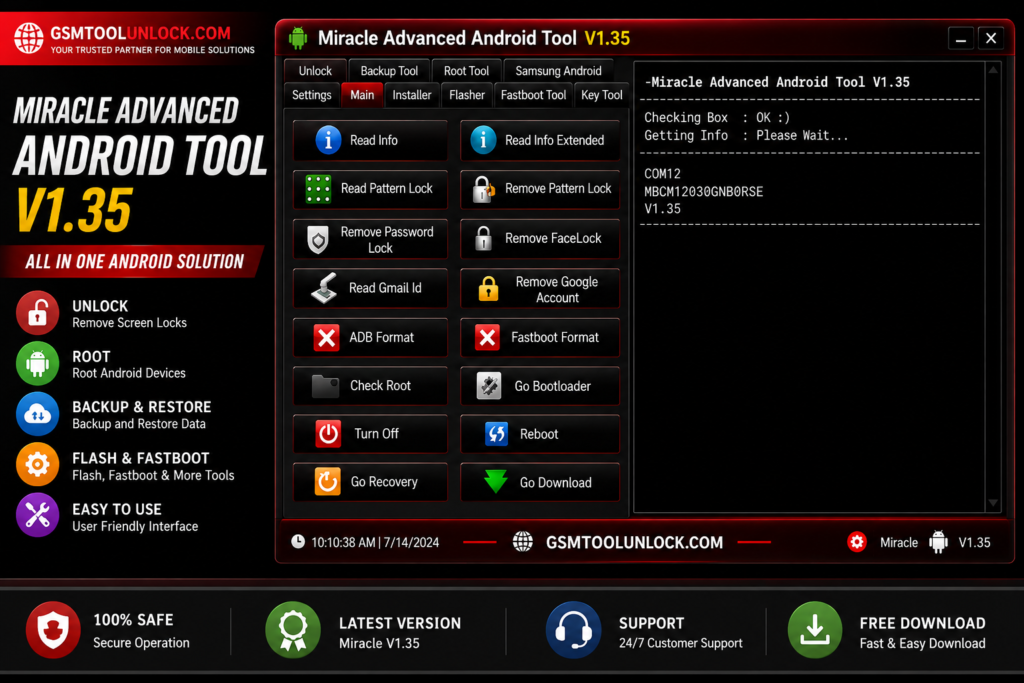
Miracle Advanced Android Tool is a software-based tool especially designed for Android devices. It provides maintenance and repair services to Android device users. It is helpful for technicians and Android users who are searching for a tool to meet the requirement of finding and fixing software issues that they face on Android devices.
What is Miracle Advanced Android Tool?
Miracle Advanced Android Tool is designed for repairing and fixing software issues of Android devices. It offers multiple operations to users and technicians, such as SIM unlocking, pattern unlocking, backup, restore, reset user lock, bypass FRP lock, and flashing firmware on Android devices.
Features of Miracle Advanced Android Tool
Backup and Restore
Miracle Advanced Android Tool has a feature of backup and restore. It is very helpful in creating a backup of all necessary files.
Data Wipe
Miracle Advanced Android Tool has a characteristic of erasing data from Android Devices. It performs data removal securely.
Data Extraction
One of the most important features of Advanced Android Tool is that it performs data extraction from locked Android devices very easily.
Debugging
Miracle Android Tool is capable of activating debugging mode on Android Devices.
FRP Bypass
Miracle Advanced Android Tool offers bypass of Google Factory Reset Protection. This feature is helpful for technicians to perform bypass, remove, and reset locks on Android devices.
Factory Reset
Miracle Android Tool provides the operation of restore function for Android devices in the settings menu.
Flash Recovery
Miracle Android Tool provides a flash recovery image option to its Android users and technicians.
Network unlocking
Miracle Android Tool is helpful in unlocking SIM-related issues in Android Devices. It helps to remove carrier restrictions also.
Read and Write Firmware
Miracle Android Tool is suitable for reading and writing data on Android devices.
Repair IMEI
Miracle Android Tool offers a quick IMEI repair option for Android users. Users can repair a corrupted IMEI very easily with the help of a few clicks.
Restore IMEI
Miracle Android Tool provides Android users with the option of restoring the IMEI to default settings.
Root
Miracle Android Tool is helpful in providing access on an administrator level to repair and maintain the system in Android devices deeply.
Screen Lock Removal
Miracle Android Tool provides a reliable option of screen lock removal on Android devices without any sort of data loss.
Virus Removal
Miracle Android Tool is helpful in removing corrupted files and apps from Android devices easily.
Download Information
| File Name | Miracle Advanced Android Tool |
| Version | V1.2 |
| Core functions | FRP bypass, Password unlock, Mi Account bypass, Flash firmware |
| Type | Free |
Also check: UMT QcFire Tool v13.7 Latest Version Free Download
How to Download?
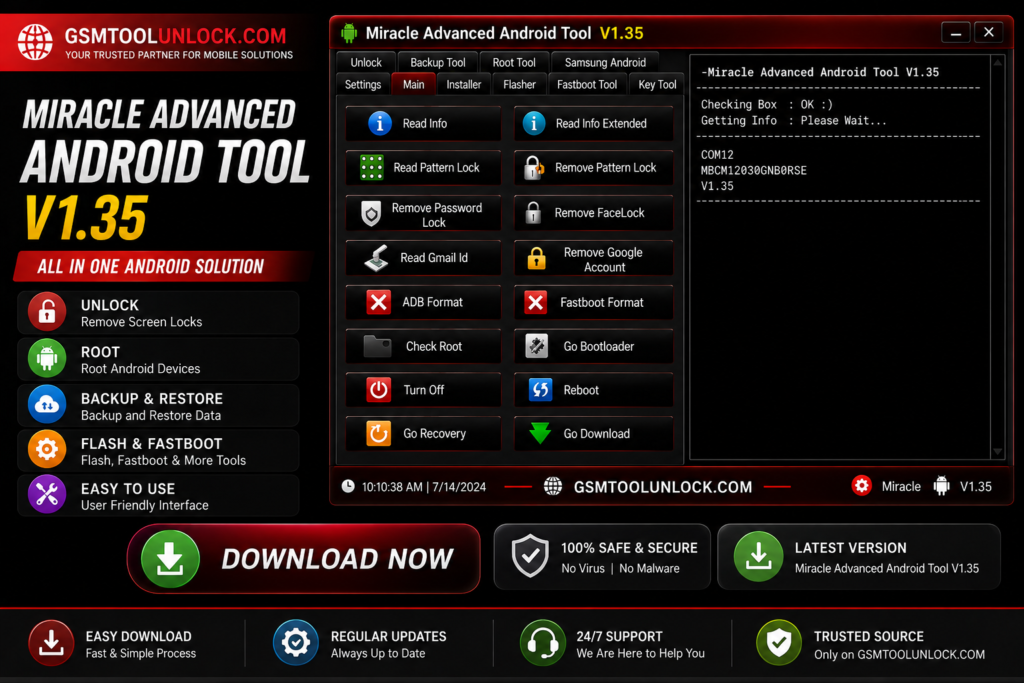
- Firstly, if you want to download Miracle Advanced Android Tool, click on GSM Tool Unlock.
- Secondly, you need to extract the file on a dedicated PC.
- In the next step, you are required to turn antivirus protection off temporarily.
- Next, you need to double-click the setup to install the file.
- Now you need to connect drivers such as USB and memory card to your computer.
- In the last step, click on run an administrator.
- Your tool is ready to use.
Pros & Cons
Pros
- It offers multiple features for troubleshooting and management.
- It provides support to different technicians
- It offers an easy-to-use interface for beginners and experts.
- It is used to perform multiple tasks like repairing and unlocking, etc.
- It provides regularly updated versions.
Cons
- It is not suitable for users with little or no knowledge.
- It may be considered costly.
- Some features may cause trouble or not work properly on certain devices.
- It may depend on the driver.
- Antivirus may trigger, leaving the computer vulnerable.
Conclusion
Ultimately, the Miracle Advanced Android Tool is known to fix complex phone issues like unlocking locked Android phones and reinstalling the phone’s software. It can be tricky for new users and also costs money, but if you are a technician, then this tool is very useful to have.
FAQ’s
Is Miracle Advanced Android Tool compatible with all Android devices?
A wide range of Android smartphones and tablets are compatible with Miracle Advanced Android Tool. However, exact compatibility may differ.
Is Miracle Advanced Android Tool free or paid?
No, it is a paid version with different pricing based on usage.
Does Miracle Advanced Android Tool require an internet connection?
No, Miracle Advanced Android Tool does not require an internet connection.
Are there any prerequisites or special requirements to use Miracle Advanced Android Tool?
Yes! This tool requires several things, including USB debugging enabled on the device, USB drivers, and administrative access on the computer to function properly.
Is Miracle Advanced Android Tool safe to use?
The tool is safe to use if used correctly. However, following instructions and necessary precautions is recommended while performing any action.
Does Miracle Advanced Android Tool provide technical support?
Yes! It does offer technical support through various channels, including email, forums, and live chat.
Can Miracle Advanced Android Tool repair hardware issues on Android devices?
No, it does not repair hardware issues, as it is meant only for software solutions.

One Comment